Kopia describes itself as “a fast and secure open-source backup/restore tool that allows you to create encrypted snapshots of your data.” It is Apache-2.0 licensed, lists “user-controlled end-to-end encryption” among its features, and makes a claim most backup tools do not bother with: “Kopia uses data deduplication to save you money!”
It is a genuinely good tool. It also has a release-tagging scheme that will quietly put nightly code into production if you install it the obvious way.
Check which tag you are pulling
Listing the published container tags while writing this returned 100 entries. Six of them are names; the other ninety-four look like 20261009.0.174924.
The named ones are latest, unstable, testing, 0.23, 0.23.1 and 0.23.0. Pulling the specific tags gives:
kopia/kopia:latest— 75.3 MB, last pushed 2026-06-16, architectures amd64, arm and arm64kopia/kopia:0.23.1— the same image, same datekopia/kopia:unstable— 75.6 MB, last pushed 2026-10-09, architectures amd64 and arm64 only
So latest is the June stable release, and the images dated this month are nightly builds under unstable. That is the correct arrangement and the opposite of what docker pull habits assume: on many projects latest tracks the newest build, so a user who sees a four-month-old latest concludes the project is stale and goes looking for something fresher. Here the fresher tag is the one you should not run.
Two practical consequences. Pin 0.23.1, not latest, so an upgrade is a decision rather than a side effect of a rebuild. And note that the nightlies drop the 32-bit arm build — if you back up from an older Raspberry Pi, the stable tag supports you and unstable does not.
What deduplication actually buys
Dedup is the feature that separates Kopia from a scripted rsync, and it is worth understanding before you size storage.
Kopia splits files into content-addressed chunks, so identical data is stored once no matter how many snapshots or machines contain it. The practical effects compound in the cases that matter most: a daily snapshot of a mostly-static directory costs almost nothing after the first; the same photo library on a laptop and a NAS stores one copy; and a database file that changes a few pages a day stores a few pages a day rather than the whole file.
That last case is the one to plan around, because it is also the one where naive backups quietly cost the most. A 2 GB SQLite file snapshotted daily is 60 GB a month with a copying tool and a small fraction of that with Kopia. Anything whose state is one large file — Vaultwarden’s vault database being the obvious example — is exactly the workload this design is good at.
Where it can write
The backend list is broad and the honesty about one entry is useful: Amazon S3 and S3-compatible storage, Azure Blob Storage, Backblaze B2, Google Cloud Storage, WebDAV, SFTP, local machines and NAS, a self-hosted Kopia Repository Server, and some Rclone-supported providers — where the README notes that “Rclone support is experimental.”
Take that qualifier at face value. Rclone widens the target list enormously, and “experimental” on the path that writes your only off-site copy is a different risk from “experimental” on a UI feature. If your destination is reachable natively, use the native backend.
The Repository Server is the underrated option: it lets several machines back up through one instance rather than each holding cloud credentials, which is both simpler to rotate and smaller in blast radius.
The encryption question you have to answer yourself
“User-controlled end-to-end encryption” means what it says — the repository is encrypted before it leaves the machine, so the storage provider holds ciphertext.
The README does not spell out the custody implication, so here it is: you hold the password, and nobody can recover the repository without it. There is no provider-side reset. Store that password somewhere that does not depend on the data you are backing up, which rules out keeping it only in a password manager whose own database is in the repository. That circular dependency is the most common way people lose a Kopia repository, and it is entirely avoidable by writing the password down and putting it somewhere physical.
Worth noting for completeness: the README makes no stability or warranty statement either way. That is neither reassuring nor alarming — it is simply absent, which means the Apache-2.0 licence’s standard no-warranty terms are the whole answer.
How to start
Install the stable tag, back up one directory to local disk, then restore it somewhere else and diff the result. Only after that restore works should you point it at cloud storage. Add a second destination once the first is routine, because deduplication makes the second cheap.
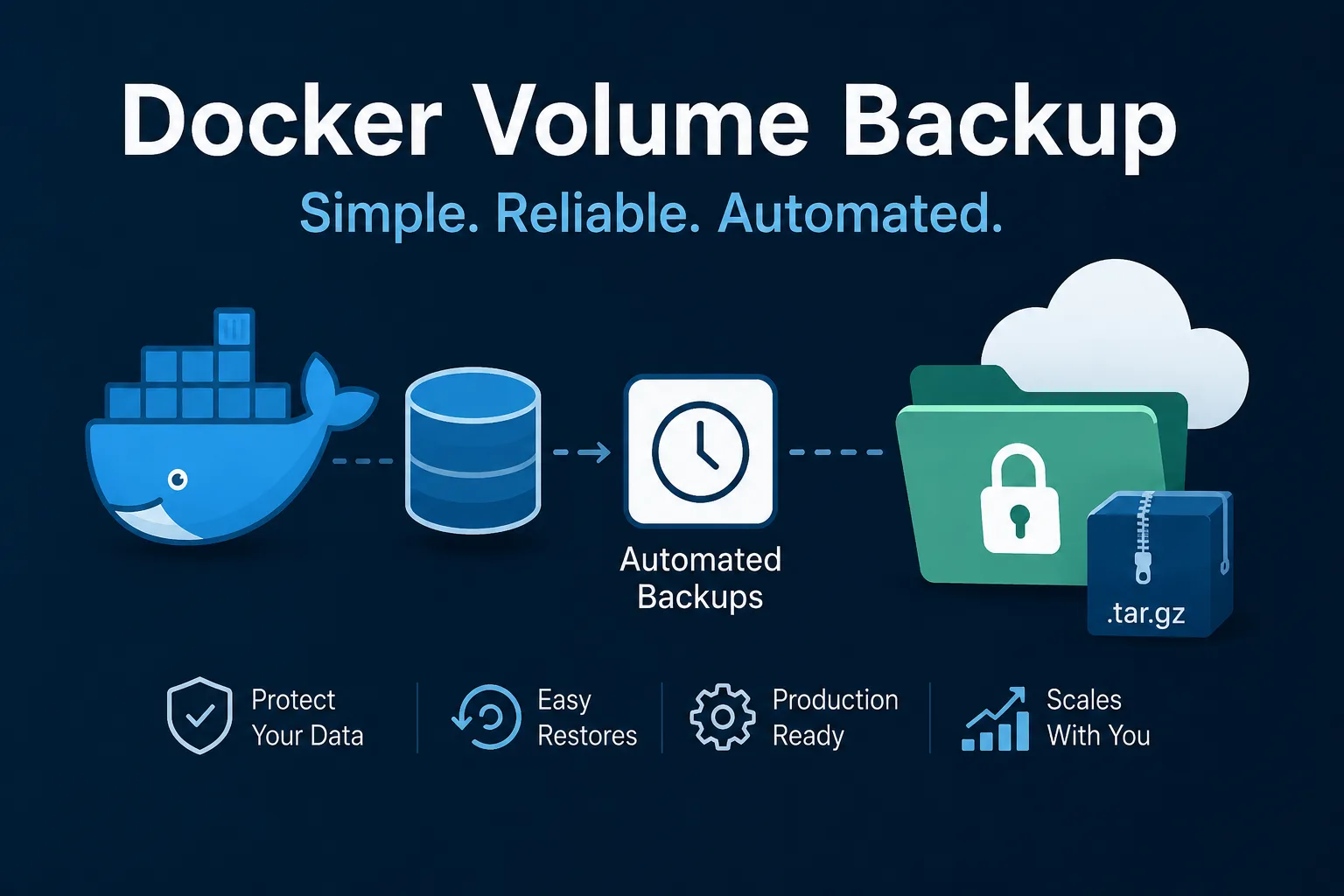
For container workloads, Kopia handles host paths well but has no awareness of Docker; pair it with docker-volume-backup if you need volumes captured with the container stopped for consistency.
The finding: Kopia’s defaults are sound, but its tag naming inverts the usual convention — latest is the stable June release and this month’s images are nightlies. Pin the semver tag, keep the password outside the repository, and prefer native backends over the experimental Rclone path.
Primary link
Learn more at: https://github.com/kopia/kopia