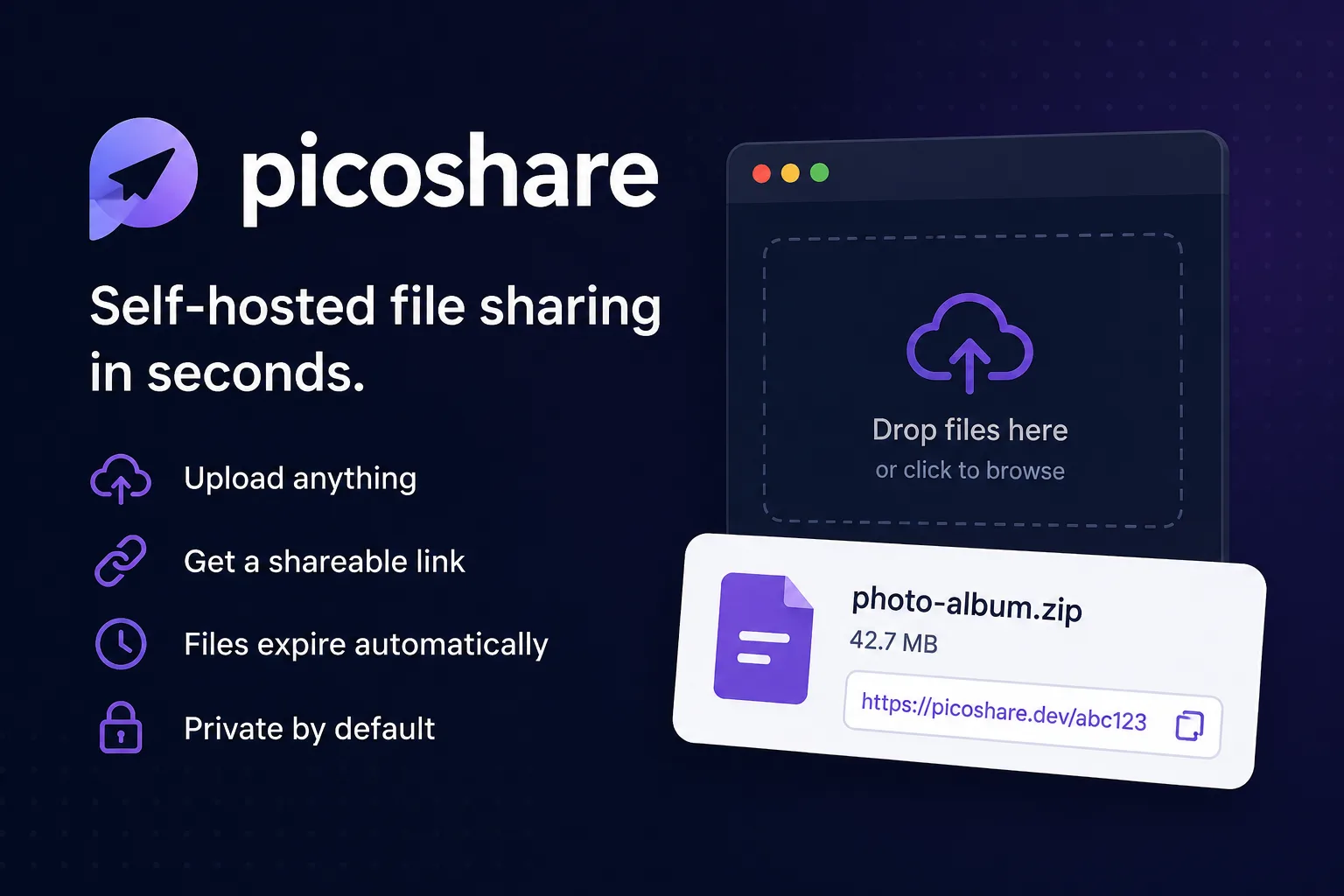
PicoShare is “a minimalist, self-hosted web app that makes it easy to share files on the web.” You upload a file, you get a link, the link works. It does not transcode, it does not restrict types, and it does not try to be a drive. “PicoShare never resizes or re-encodes your file,” which is the entire reason people reach for it instead of a photo host.
The more useful question about a tool this small is not what it does but whether anyone is still looking after it. The registry gives an answer that looks alarming and is not.
The release history, and how to read it
From Docker Hub, while writing this:
mtlynch/picoshare:latest— 17.3 MB, architectures amd64, arm64 and armv7latestandv1.5.4are the same image, last pushed 2026-05-26- Repository pulls: 1.36 million
So the newest image is roughly four and a half months old. Under the usual heuristic — check the last commit, walk away if it is stale — that is a red flag.
Now read what the author says in the README:
“PicoShare is maintained by Michael Lynch as a hobby project.”
“I only have bandwidth to maintain features that I use.”
And, on contributions:
“I sometimes reject proposals or contributions for perfectly good features.”
That reframes the gap entirely. This is not a project that stalled; it is a project whose author declared a fixed scope in advance and has reached it. A tool that uploads a file and returns a URL has a finite feature set, and the honest end state of such a tool is silence.
The distinction matters because the two cases demand different decisions. Abandonment means you inherit the security maintenance. Completion means you inherit nothing until a dependency needs patching. The way to tell them apart is not the commit date — it is whether the author told you what the scope was. Here, they did.
Everything is in one SQLite file, including the files
The storage design is where PicoShare differs from most self-hosted sharing tools, and it has consequences in both directions.
Data lives in a SQLite database, by default at data/store.db, set with the -db flag; the README tells you to “mount a volume from your local system to store the PicoShare sqlite database.” Uploaded file contents go in there too, not into a separate uploads directory — which is why the README notes that deleting a file leaves reserved space inside store.db rather than shrinking it.
The upside is that your entire deployment is one file. Backing up PicoShare means copying one path, with no risk of the database and the blobs drifting out of sync — a real failure mode for tools that store metadata in a database and bytes on a disk. The project also supports Litestream, which streams that database to S3-compatible storage continuously, so the backup can be effectively live.
The downside is equally concrete. Large uploads land in a SQLite file, so disk growth is monolithic, reclaiming space requires a vacuum rather than a delete, and the whole thing sits on one volume. If you plan to host many gigabytes, size the volume generously up front.
Either way, treat that file as the asset. Kopia will snapshot it from a host, and docker-volume-backup will snapshot the volume from a compose stack and can stop the container first so the file is not captured mid-write.
The licence has a second half
The LICENSE file is the GNU Affero General Public License, version 3 or later — worth stating plainly, because the README does not say so in prose and the badge is easy to skip. AGPL means that if you run a modified PicoShare as a network service, the modified source goes to its users.
The same file opens with a line that is more interesting than the licence itself:
PicoShare - Minimal sharing service
Copyright (C) 2022 Michael Lynch
Licensing inquiries: licensing@mtlynch.io
That is an explicit invitation to negotiate a different licence. If you want to embed PicoShare in a commercial product and the AGPL’s network clause is a problem, the author has published an address for exactly that conversation. Few hobby projects do.
Running it, and who should
The documented container command needs a port, a shared secret and a volume — three environment concerns and nothing else. PS_SHARED_SECRET is the entire authentication model: one password for the admin, with uploaded links being unguessable URLs. That is appropriate for a personal tool and inappropriate for a team that needs per-user accounts and an audit trail.
PicoShare fits the person who wants to send someone a file without a cloud account, on infrastructure they already run — ideally behind the same reverse proxy as everything else, which is where a platform like Coolify earns its keep.
The finding worth keeping: a quiet repository is not automatically a dead one. PicoShare’s author published the scope limit, the maintenance model and a licensing address before anyone asked, and a 17 MB image that has not needed a change since May is what a finished small tool looks like.
Primary link
Learn more at: https://github.com/mtlynch/picoshare