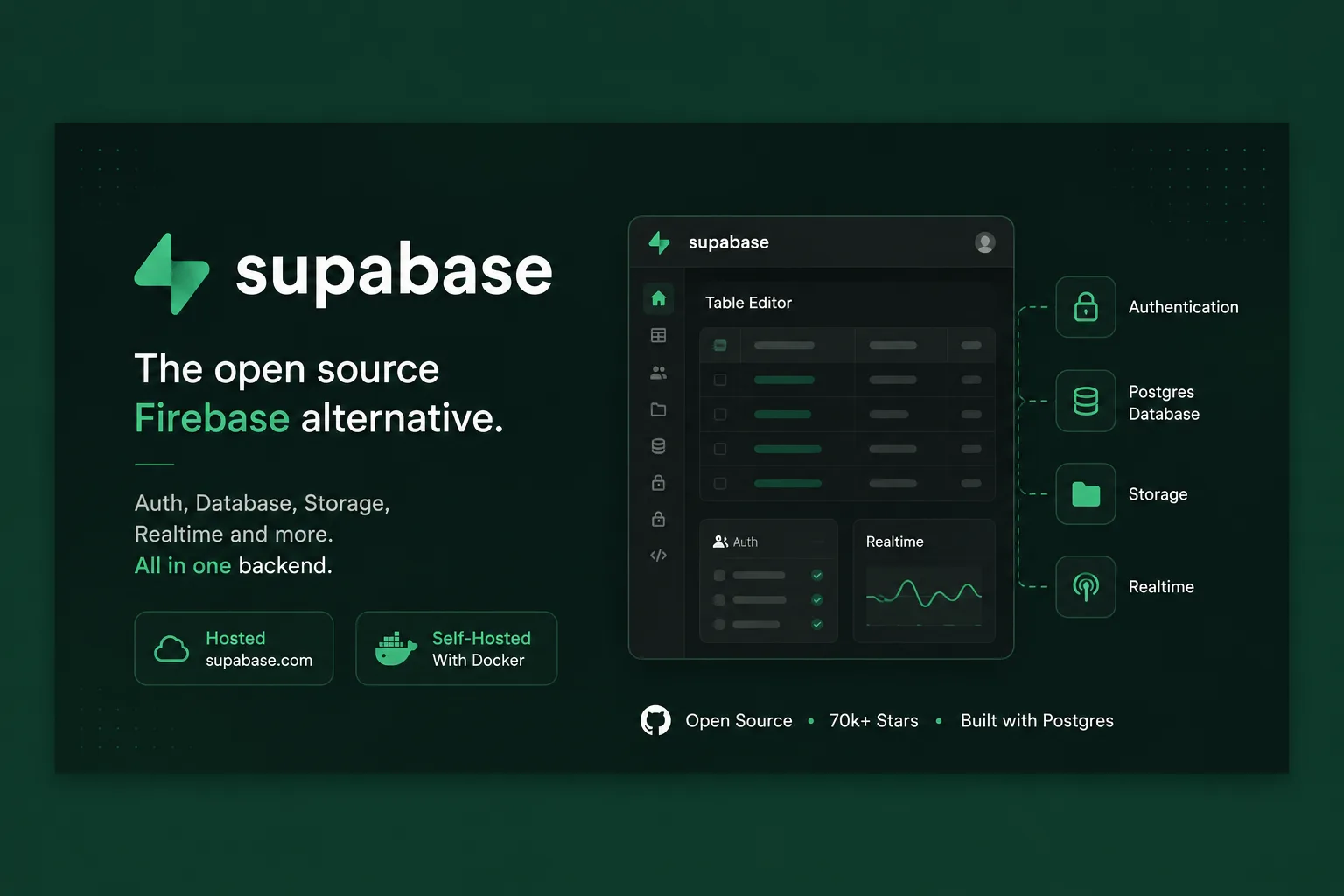
Supabase describes itself in five words: “Supabase is the Postgres development platform.” Not a Firebase clone, not a database — a platform assembled around Postgres. The README states the assembly rule directly, and it is the most useful sentence for understanding what you are adopting:
“If the tools and communities exist, with an MIT, Apache 2, or equivalent open license, we will use and support that tool. If the tool doesn’t exist, we build and open source it ourselves.”
That policy is why Supabase is not one program. It is a set of independent services, and knowing which is which changes how you evaluate, debug and potentially leave it.
The parts list, and why it matters
From the README’s own architecture section:
| Role | Component |
|---|---|
| Database | Postgres — “an object-relational database system with over 30 years of active development” |
| REST API | PostgREST — “a web server that turns your PostgreSQL database directly into a RESTful API” |
| Auth | GoTrue — “a JWT-based authentication API” |
| Realtime | Realtime, an Elixir server that lets you “listen to PostgreSQL inserts, updates, and deletes using websockets” |
| Storage | Storage — “a RESTful API for managing files in S3, with Postgres handling permissions” |
| GraphQL | pg_graphql — “a PostgreSQL extension that exposes a GraphQL API” |
| Management | postgres-meta — a REST API for administering Postgres |
| Edge proxy | Envoy |
Several of these predate Supabase and are used by people who have never heard of it. PostgREST in particular is an independent project that generates your API from your schema — which means the “Supabase API” you build against is, in substance, your own database schema exposed by a general-purpose tool.
The practical consequence is the strongest argument for the platform. Your data is in Postgres with ordinary tables and ordinary row-level security policies. If you leave, you take a Postgres dump and the thing you are migrating away from is a set of services around a standard database, not a proprietary data model. That is a materially different exit cost from any backend that invents its own storage.
What the README does not say
It does not state the licence of the repository itself. The quoted policy sets a bar for the tools Supabase adopts — “with an MIT, Apache 2, or equivalent open license” — but says nothing about the licence covering the monorepo you are reading.
We looked for a root licence file on the default branch and did not find one at the usual paths. Individual pieces are clearly permissive: the supabase CLI on npm is MIT at version 2.120.0, as is @supabase/auth-js, and the client library @supabase/supabase-js is MIT at 2.117.3.
So the components you actually depend on in code are MIT, which is what matters for most projects. But if you need a definitive answer about the whole repository — because a compliance process asks for one — the README will not give it to you, and you should check the repository’s own licence metadata rather than inferring from the policy statement. Being specific about what we could and could not verify seems better than asserting a licence we did not read.
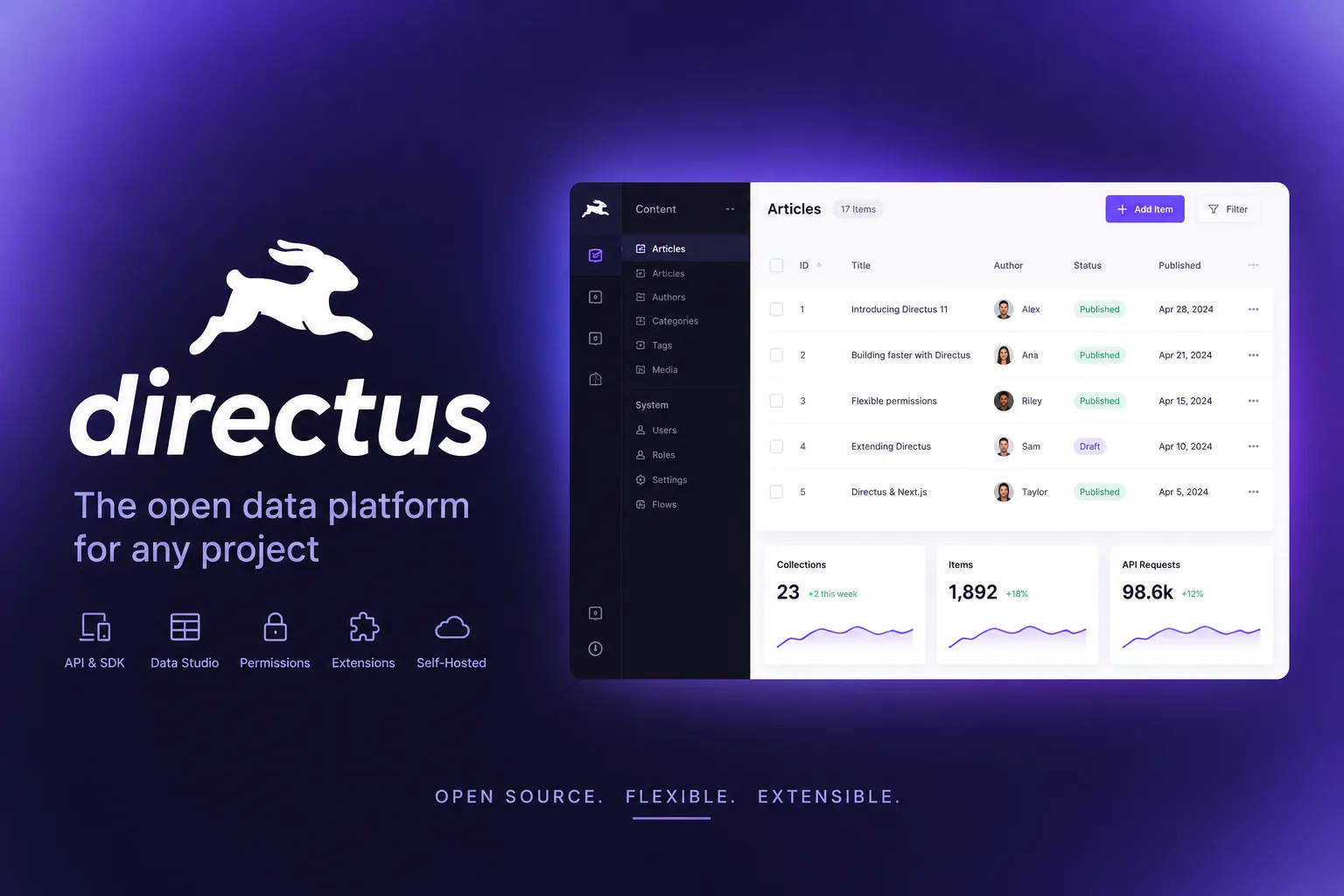
This is worth contrasting with the rest of this category. Several self-hostable backends have quietly moved to source-available licences with usage limits: Directus is now under a licence that bars competing use and gates features behind a licence key, and NocoDB permits only internal and non-commercial use. Supabase’s component-level MIT licensing is a genuine differentiator, and it is the thing to verify rather than assume.
Self-hosting it is a real decision
The README presents two paths — “a hosted platform” you can sign up for without installing anything, and self-hosting with local development.
Those paths are not equivalent in effort, and the parts list above is why. Self-hosting Supabase means running Postgres, PostgREST, GoTrue, Realtime, Storage, postgres-meta, Envoy and the dashboard, then keeping them in sync with each other across upgrades. The supporting infrastructure is substantial: the supabase/postgres image alone has 18.4 million pulls and was last pushed in October, which tells you it is well maintained — not that it is simple.
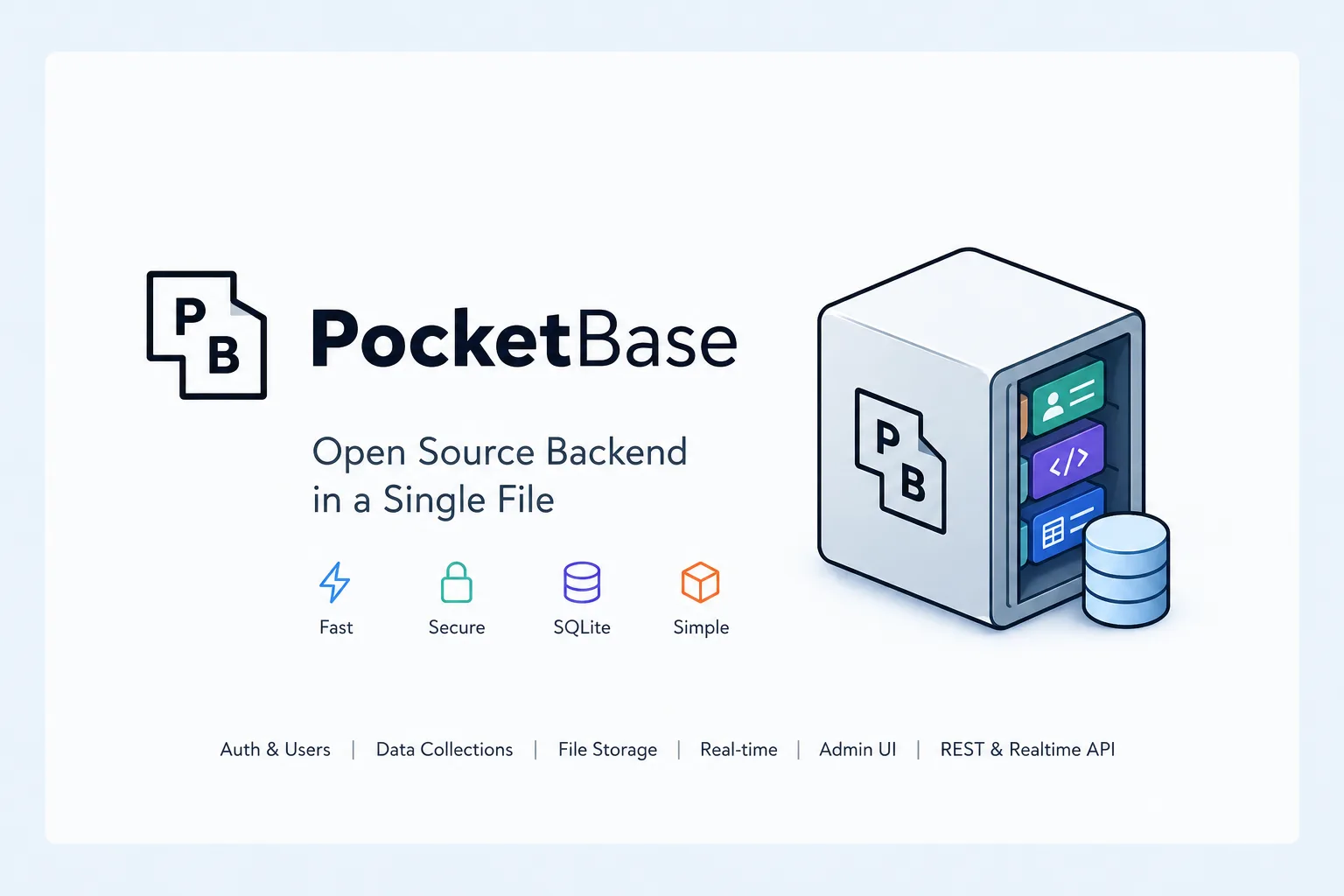
The honest recommendation is to self-host Supabase when you have a specific reason: data residency, cost at scale, or an air-gapped environment. Do it on a platform that handles the compose lifecycle for you rather than by hand. And if the reason is simply “I prefer to own it,” weigh that against operating seven services instead of one — PocketBase exists precisely for people who would rather own one binary.
Who it fits
Supabase is the right default for a team that wants Postgres and does not want to assemble auth, storage, realtime and an API around it. It is the wrong choice if you wanted a document store or if a single-process deployment is the actual requirement.
The finding: Supabase’s value is structural rather than featural — your application talks to a standard Postgres database through independent, mostly MIT-licensed tools, so leaving costs a dump and a rewrite of the client layer rather than a data migration. The gap worth knowing about is that the repository’s README never states its own licence, so verify that yourself if anyone will ask you to.
Primary link
Learn more at: https://github.com/supabase/supabase