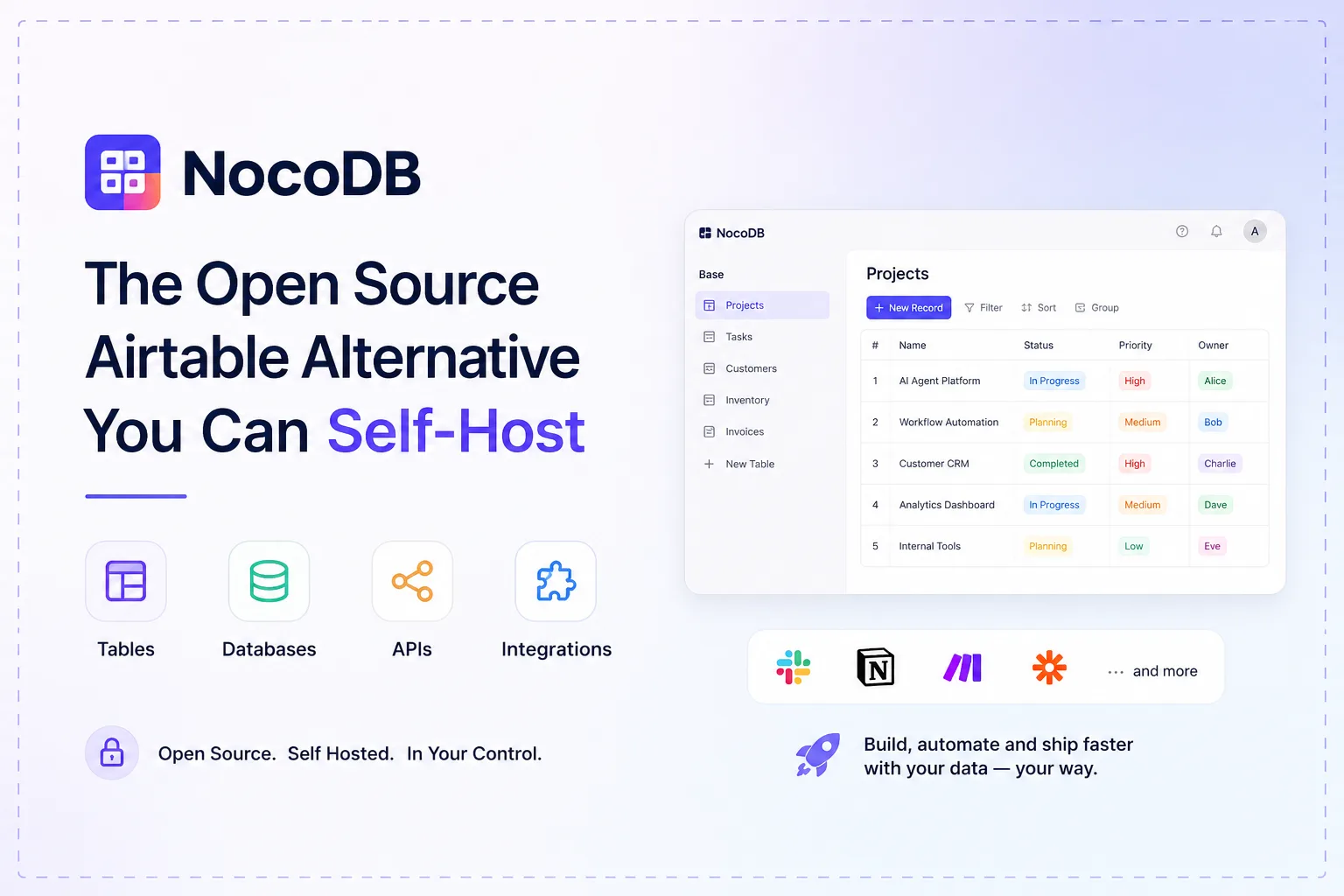
NocoDB calls itself “the fastest and easiest way to build databases online” — a spreadsheet-style interface over a real SQL database, with grid, gallery, form, kanban and calendar views, automations, REST APIs and an SDK. One docker run and you have it:
docker run -d --name noco \
  -v "$(pwd)"/nocodb:/usr/app/data/ \
  -p 8080:8080 nocodb/nocodb:latest
There is one word that does not appear anywhere in the project’s README, and its absence is deliberate.
The word is “open source”
NocoDB’s README states its terms in one line: “This project is licensed under Sustainable Use License.” It does not describe the project as open source, and that restraint is correct — because it is not.
We read the licence file. It is dated “Updated on: January 29, 2026”, and the operative paragraph is short enough to quote in full:
“You may use or modify the software only for your own internal business purposes or for non-commercial or personal use. You may distribute the software or provide it to others only if you do so free of charge for non-commercial purposes.”
So: run it for your own business, internally — fine, explicitly permitted, no fee. Modify it for that purpose — fine. Give it to someone else commercially, or host it for paying customers — not permitted.
That is a reasonable deal for almost everyone who wants an Airtable-shaped tool on their own server, and it is not an open-source licence by any accepted definition. The distinction matters in two situations: if your organisation’s policy requires OSI-approved licences for self-hosted software, and if you intended to resell or embed it.
The branch clause, which is easy to miss
Buried above the licence terms is a sentence with real consequences:
“Content in the ‘master’ branch is available under the ‘Sustainable Use License’ as defined below.”
“Content in the ‘develop’ branch is available under the ‘Sustainable Use License’ as defined below.”
“Content of branches other than ‘master’ and ‘develop’ are not licensed.”
Two licensed branches. Everything else — feature branches, experimental work, anything you might be tempted to pull a fix from — carries no licence at all, which means no permission to use it.
In practice you will install from a release tag or the published container, and this will never bite you. But if you were planning to cherry-pick a patch from an open pull request branch to fix something before it lands, that is the clause to know about. Wait for it to reach develop.
What it is actually good at
The honest framing is that NocoDB competes with spreadsheets, not with ORMs. Its value is handing a non-developer a grid they can edit while the data stays in Postgres or MySQL where your application can reach it — rather than living in a SaaS product you query through an API.
The view types carry most of that value. A form view that writes straight into a table replaces a surprising amount of glue code; a kanban view over a status column replaces a separate tracker. These are the features people actually use after the novelty of the grid wears off.
The automations are the part to evaluate sceptically. The README lists integrations across chat, email and storage categories, and this is the layer where most no-code tools are thinnest. Test the specific integration you need before planning around it.
Pointing it at a real database
The default docker run above uses SQLite in a mounted volume — fine for evaluation, and the volume is your entire database. For anything real, point it at Postgres with the connection string:
NC_DB="pg://host.docker.internal:5432?u=root&p=password&d=d1"Note that the credentials go in a URL, which means they end up in your environment and quite possibly in your shell history and process list. Use a secrets mechanism rather than a literal string in a compose file.
On maintenance, the numbers are reassuring: the official image had 22.5 million pulls and was last pushed in late September, with the npm package at 0.301.3. This is an actively developed project with a large installed base, whichever licence it carries.
Because the state is all in the database, your backup is the Postgres volume — the same job docker-volume-backup handles for a compose stack, and worth setting up before anyone starts entering data they care about.
Where it sits
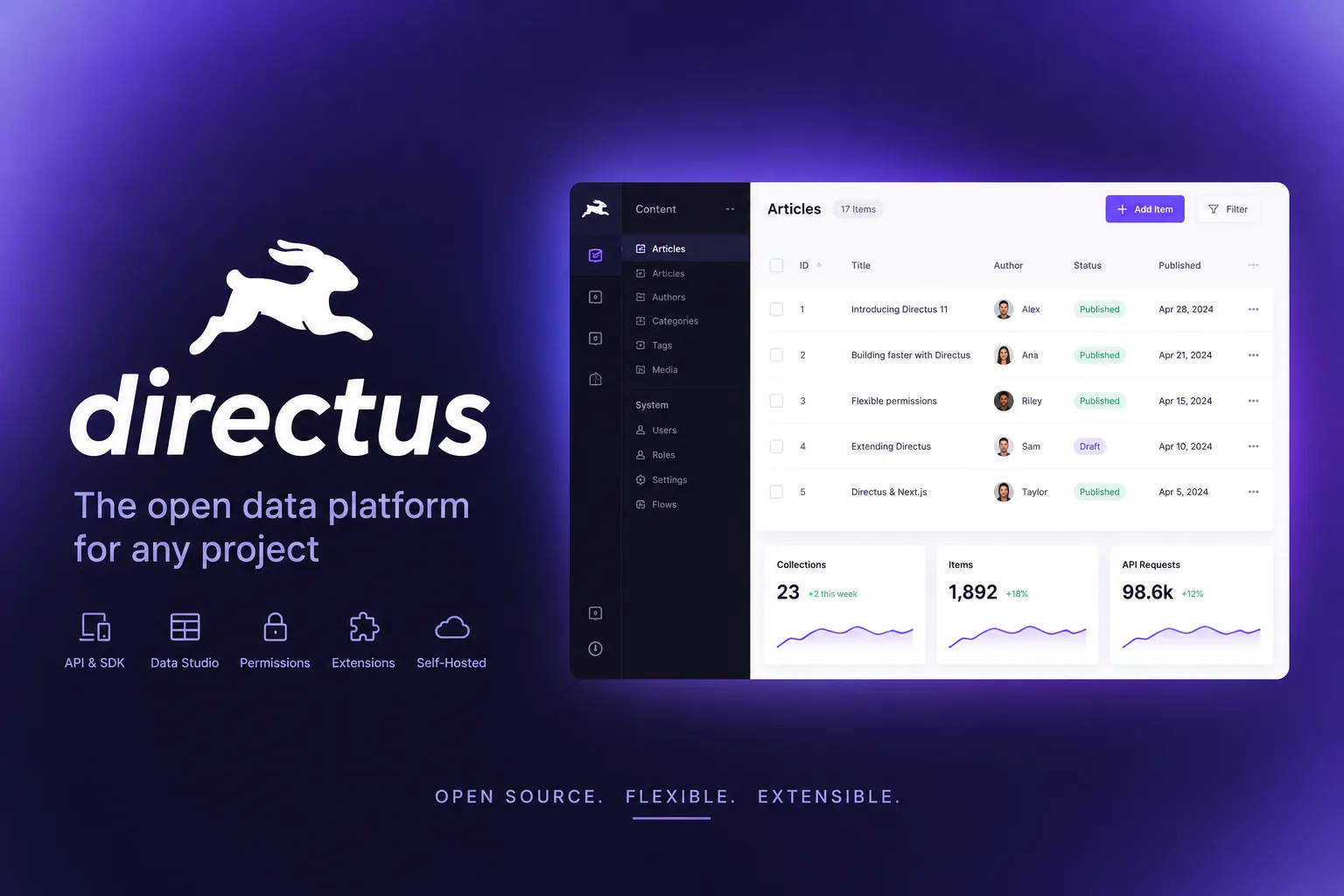
Choose NocoDB when the people using the data are not developers and the data needs to stay in a database you control. Choose something else when you need a developer-facing API over an existing schema — Directus is aimed at that, though with its own non-open-source licence and seat caps — or when you want a backend rather than a UI, which is PocketBase territory.
The finding: NocoDB is source-available under the Sustainable Use License, not open source, and the project is careful never to claim otherwise. Internal business use is explicitly free and unrestricted; reselling or hosting it for others is not; and only master and develop carry a licence at all. For a self-hoster that is a good deal — it is just a different deal from the one the category’s reputation implies.
Primary link
Learn more at: https://github.com/nocodb/nocodb