Umami is a self-hosted, privacy-focused web analytics application — a cookie-free alternative to Google Analytics with a dashboard you own. It is MIT licensed, which in this category is worth stating first rather than last.
The more useful thing we found is that Umami has two quite different deployment shapes hiding behind one name, and the manifest tells you which one you are signing up for.
One application, two architectures
Reading the repository’s package.json at version 3.4.0, the dependency list includes all of these:
@prisma/client, @prisma/adapter-pg, @prisma/extension-read-replicas,
@clickhouse/client, kafkajs, redis, next
Prisma with a Postgres adapter is the straightforward path. But @clickhouse/client and kafkajs are in there too, which means Umami supports a fundamentally different backend: events into Kafka, storage in ClickHouse, with Redis for caching and read replicas configurable through Prisma.
This is the single most useful fact for deciding how to run it, because the two shapes have nothing in common operationally:
Postgres (or MySQL) only. Umami plus one relational database. Two containers. Suitable for a personal site, a handful of sites, or any traffic a normal database can take. This is what most people should deploy and it is genuinely simple.
ClickHouse and Kafka. A column store for the events and a queue in front of it. This is the shape for high-volume analytics, and it is a serious infrastructure commitment — the same architecture Plausible requires of everyone who self-hosts it.
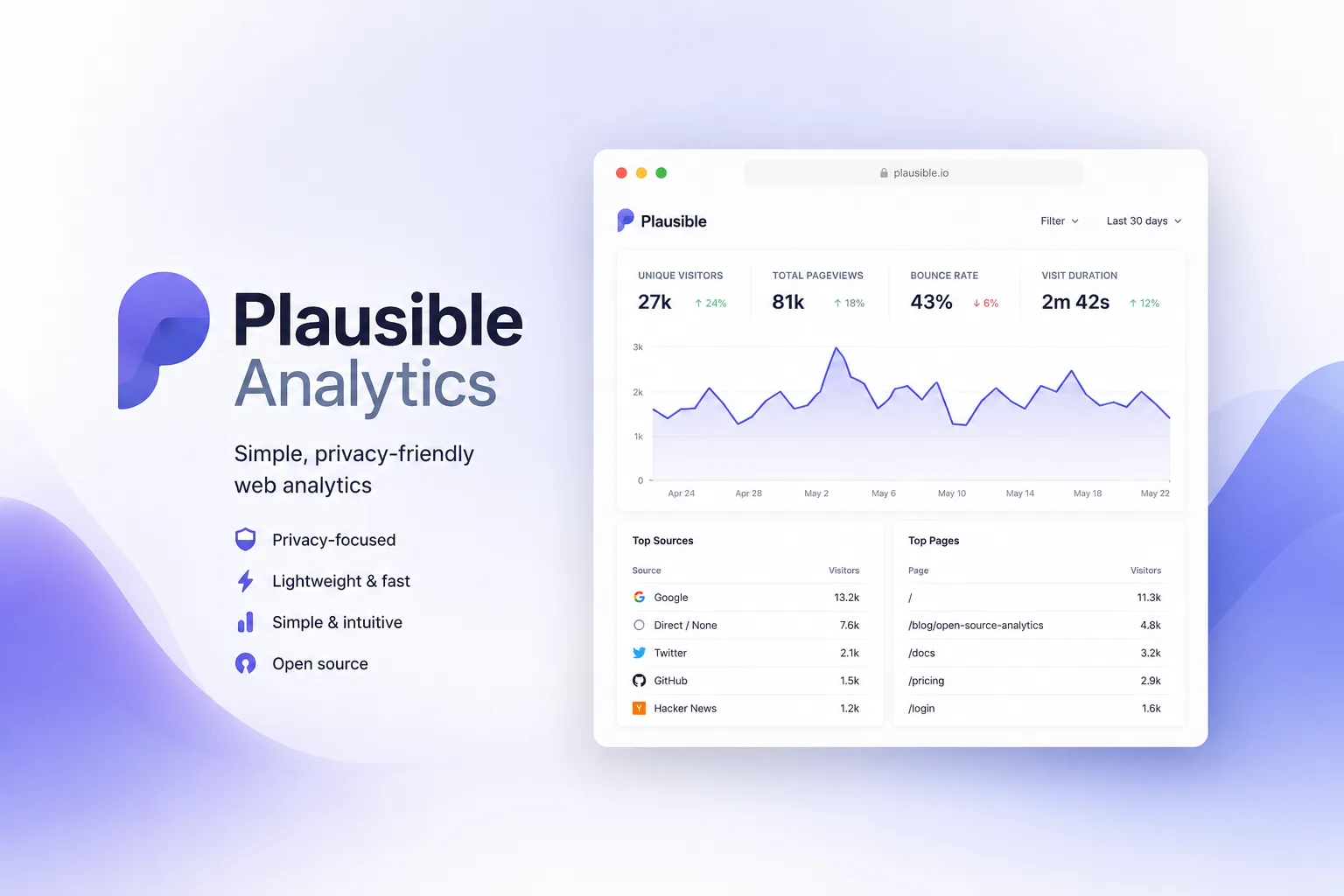
The point is that Umami lets you choose. Plausible Community Edition does not — ClickHouse is mandatory there. If you want self-hosted analytics for a modest site without operating a column store, that difference is the whole decision.
Watch which version number you are reading
A small trap worth flagging because it produces confident wrong statements.
The umami package on npm is at 2.10.0. The repository’s own package.json is at 3.4.0. These are not the same thing, and npm is not the distribution channel for the application.
If you are checking whether your deployment is current, compare against the repository’s releases and the published container image — not against the npm registry. Umami is deployed as a container or built from source, and the npm entry will mislead you by a major version.
What the MIT licence actually permits
In a category drifting toward source-available licensing, MIT is the differentiator, so it is worth spelling out what it allows that the alternatives do not.
You may modify Umami and run the modified version as a service for paying customers without publishing your changes. You may embed it in a commercial product. You may white-label it. None of those require permission, a licence key, or a seat count.
Compare: Plausible is AGPL-3.0, so modifying it and offering it over a network obliges you to offer your modified source to its users. That is a reasonable licence and a meaningful constraint — and for an agency considering analytics-as-a-feature for clients, the difference between MIT and AGPL is the difference between “ship it” and “consult a lawyer.”
If you are simply running analytics for your own sites, both licences are equally free and this paragraph does not apply to you.
The privacy claim, scoped honestly
Cookie-free tracking with no cross-site profiles is the design, and the small tracking script is the visible benefit — faster pages and nothing for a consent banner to block.
Two caveats worth stating rather than glossing:
Self-hosting makes you the data controller. Whether you need consent for the data Umami collects is a question about your jurisdiction and your configuration, not about the software. The software’s design makes a defensible answer easier; it does not supply one.
Ad blockers still block it. Any self-hosted analytics endpoint eventually appears on filter lists. Serving the script from your own domain delays this rather than solving it, so treat the numbers as a lower bound. This is true of every analytics tool and is a reason not to reconcile analytics against billing data.
Deploying it without regret
The simple path is Umami plus Postgres, behind a reverse proxy, which a platform like Coolify will manage as a two-service stack with certificates handled.
The one decision to make deliberately: your retention policy. Analytics data grows forever and nothing prompts you to think about it. Decide how long you keep raw events before you have three years of them, because the migration from “keep everything in Postgres” to “we need ClickHouse” is work you can avoid by pruning.
Back up the database volume. The dashboard is replaceable; the history is not.
Who should pick this one
Anyone who wants Google Analytics replaced with a dashboard on their own domain, under a licence with no conditions attached. The deployment is modest, the Postgres path is honest about what it can handle, and the ClickHouse path exists when you outgrow it.
The finding: Umami is MIT licensed and architecturally flexible — Postgres alone for normal traffic, or Kafka plus ClickHouse when you need it — which makes it the lighter self-host of the two leading privacy-analytics tools. Check the repository version rather than the npm package, which trails by a major release, and set a retention policy before your events table makes the decision for you.
Primary link
Learn more at: https://github.com/umami-software/umami