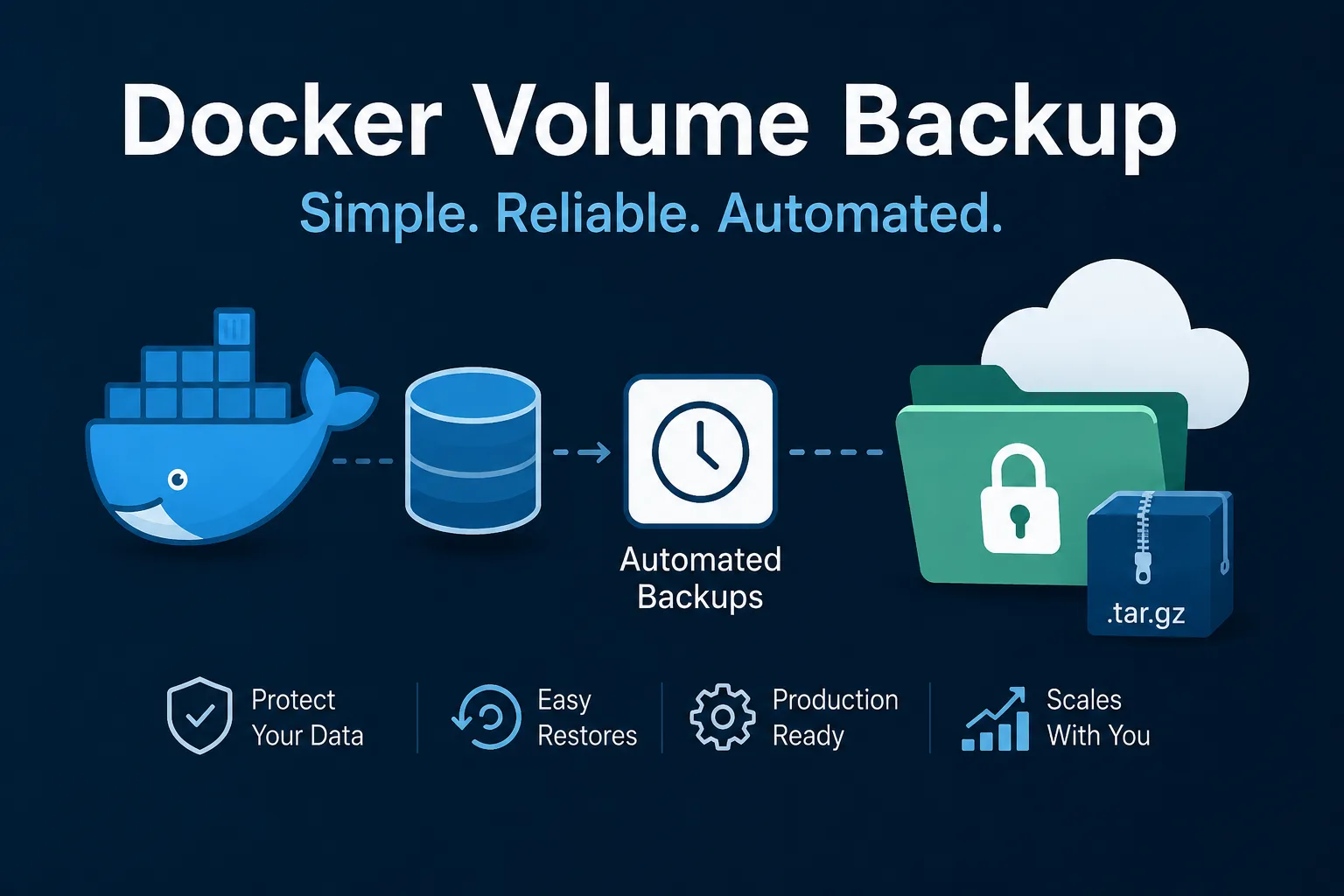
The tagline is the whole product: “Backup Docker volumes locally or to any S3, WebDAV, Azure Blob Storage, Dropbox, Google Drive or SSH compatible storage.” It is MPL-2.0 licensed and runs as a sidecar in your compose file rather than as a tool you invoke.
The interesting part is not the destination list. It is a single label the project asks you to add to the containers you want backed up, because that label is an admission most backup tools avoid making.
The label that is the actual design
From the README’s compose example:
labels:
  - docker-volume-backup.stop-during-backup=true
with the accompanying note: “This means the container will be stopped during backup to ensure backup integrity.”
That sentence is the honest answer to a problem usually papered over. Copying a volume while a database writes to it produces a file that is internally inconsistent — a snapshot of a transaction in progress. It will often restore fine. Occasionally it will not, and you discover which on the day you need it.
Most volume-backup approaches ignore this and hope. This one gives you an opt-in, per container, to stop the process, take the archive, and start it again. The downside is explicit — a few seconds of downtime per backup — and that is the correct trade to be asked to make consciously.
The per-container granularity is what makes it usable. You label the Postgres container and the application container that writes uploads; you do not label the stateless reverse proxy or the worker that can be interrupted. Nothing global is stopped, so a nightly backup costs you seconds on the services that need consistency and nothing on the ones that do not.
What the registry shows
Checking the published image while writing this:
offen/docker-volume-backup:latestand:v2.49.1— 23.1 MB- Architectures: amd64, arm64 and armv7
- Last pushed: 2026-09-21
- Repository pulls: 3.37 million
A 23 MB sidecar is cheap enough to add to every stack without thinking about it, and the armv7 build means it works on the small ARM boxes where self-hosted compose stacks actually live. The September push date puts it in active maintenance, which matters more for a backup tool than for most software — this is the component you least want unmaintained.
Note that latest and v2 resolve to the same image as v2.49.1. Pin the full version anyway; a backup sidecar silently changing behaviour on a rebuild is a bad surprise.
The socket mount deserves a sentence
The compose example mounts the Docker socket:
- /var/run/docker.sock:/var/run/docker.sock:roIt needs this, because stopping and starting your containers is the feature. But a mounted Docker socket is effectively root on the host, and the :ro flag is less protective than it looks — it makes the socket file read-only, not the API behind it. Container control through that socket is still container control.
This is not a criticism of the project; any tool that orchestrates your containers needs this access. It is a reason to pin the version, read the release notes, and treat this image with the same scrutiny you would give anything else holding host-level privileges.
Encryption and rotation, and what to ask of them
Two features turn this from a copying script into a backup system. The tool supports “encrypting your backups using GPG”, and it “rotates away old backups” when configured.
Both need a decision from you rather than a default. For encryption: if the destination is somebody else’s storage — S3, Dropbox, Google Drive — encrypt, and store the passphrase somewhere independent of the volumes being backed up. For rotation: retention is the difference between a backup system and a disk that fills up, and an un-rotated nightly archive of a large volume will consume a bucket at a predictable and surprising rate.
It can also send notifications for failed runs, which is the feature people skip and then regret. A backup that has been failing silently for three weeks is worse than no backup, because you believed in it. Point the failure notification at something you actually read — an HTTP push target such as ntfy is a two-line configuration and removes the silent-failure case entirely.
Where it stops, and what to pair it with
This tool backs up Docker volumes. It does not deduplicate, it does not do incremental block-level snapshots, and it does not index your archives for browsing. Each run produces an archive.
That makes the division of labour clear. For volumes attached to running containers, where consistency requires stopping the process, this is the right tool. For large datasets on a host where storage cost and incremental efficiency matter, Kopia deduplicates and will store a daily snapshot of a mostly-unchanged directory for almost nothing. Running both is common and sensible: the sidecar for compose state, the snapshot tool for bulk data.
The finding: the stop-during-backup label is the feature worth adopting this tool for, because it makes an inconvenient truth — consistent backups of running databases need the writer paused — into a per-container setting rather than a gamble. Label your stateful containers, pin the version, encrypt anything leaving your network, and wire the failure notification before you trust the first run.
Primary link
Learn more at: https://github.com/offen/docker-volume-backup