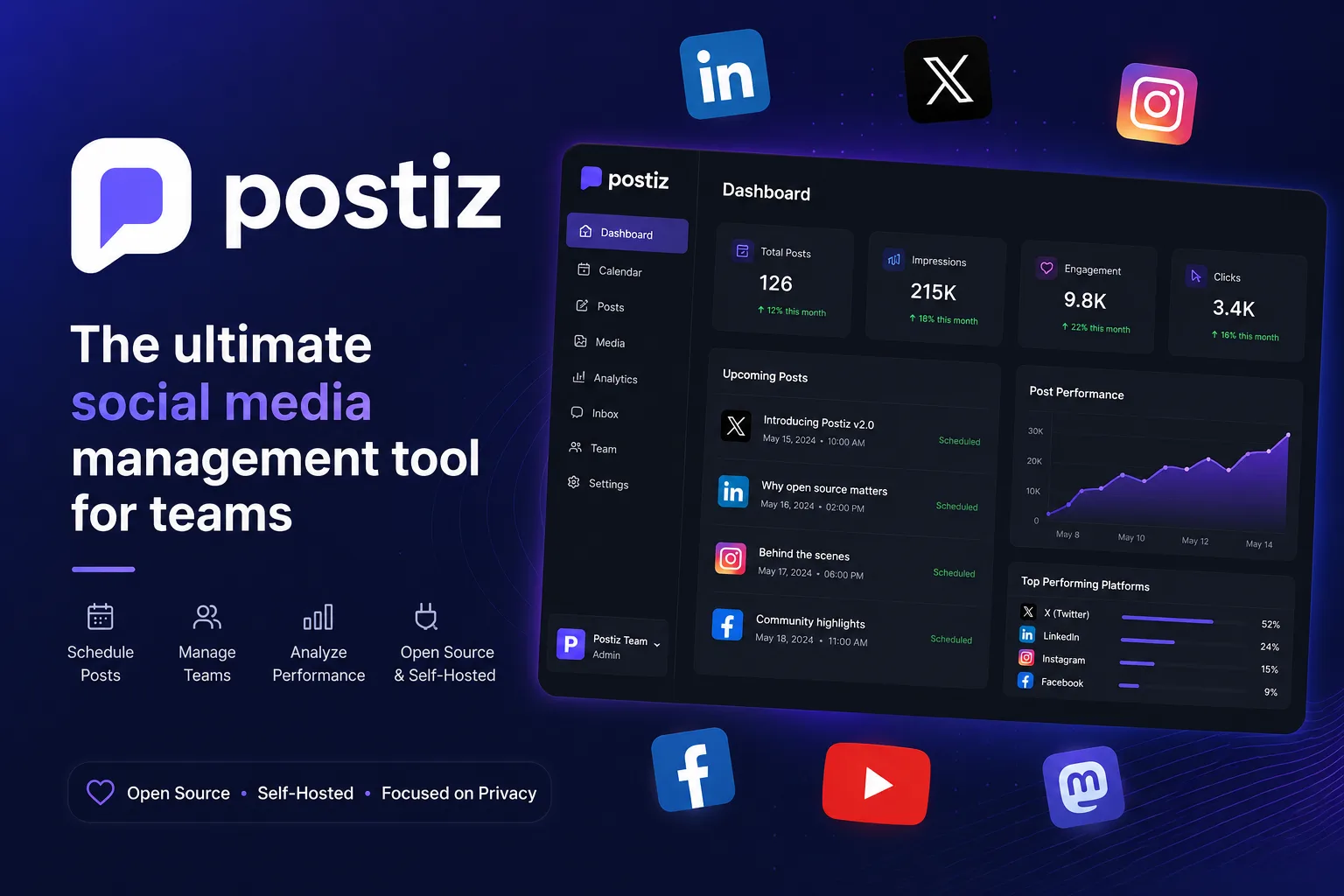
Postiz is “a social media management platform for scheduling, automating, and analyzing your content,” covering fourteen destinations: Instagram, YouTube, Dribbble, LinkedIn, Reddit, TikTok, Facebook, Pinterest, Threads, X, Slack, Discord, Mastodon and Bluesky.
Its licence statement is the clearest in this category, and it comes with one caveat the licence does not cover.
The commitment, and the asterisk
From the README:
“This repository’s source code is available under the AGPL-3.0 license.”
“We do not ‘gate’ features or limit the license.”
We confirmed the first half in the root package.json, which declares "license": "AGPL-3.0". The second half is a strong statement, and it holds in the sense it is making: there is no licence key, no feature flag that unlocks on payment, no seat cap written into the self-hosted build. The self-hosted AI features work with your own provider API keys, with no quota — where Cloud applies “monthly quotas per plan.”
Now the asterisk, which is on the pricing page rather than the README:
“Self-hosting is a secondary option; the hosted platform is where the agent features ship first.”
That is not a contradiction of “we do not gate features.” It is a different mechanism with a similar effect: features are not withheld from the self-hosted build, they simply arrive there later. For most scheduling work that is irrelevant. If you are specifically interested in the newer agent capabilities, expect to be behind.
Both statements being published is the point. A project that tells you where its priorities sit has earned more trust than one that claims parity.
Self-hosting it means four services, not one
This is the thing to understand before you start, and it is visible in the sample compose file rather than the README.
Postiz needs:
DATABASE_URL: 'postgresql://…@postiz-postgres:5432/postiz-db-local'
REDIS_URL:    'redis://postiz-redis:6379'
TEMPORAL_ADDRESS: 'temporal:7233'
STORAGE_PROVIDER: 'local'   # or Cloudflare R2
Postgres, Redis, object storage and Temporal. That last one is the surprise. Temporal is a durable workflow engine — a serious piece of infrastructure in its own right, with its own database and its own operational characteristics. It is the correct tool for “post this reliably at 09:00 next Tuesday even if the worker restarts,” and it is also why Postiz is not a lightweight self-host.
The repository is correspondingly substantial: 273 dependencies in the root manifest, across a pnpm workspace running NextJS and NestJS with Prisma.
The honest comparison: this is a four-service stack, not a single container. Run it somewhere that manages compose lifecycles for you — Coolify is the obvious fit — and give the database the same backup treatment as anything else holding scheduled work you would have to recreate by hand.
One environment variable to change before you expose it
In the sample compose file:
DISABLE_REGISTRATION: 'false'The sample ships with registration open. That default is right for a local evaluation and wrong for an instance reachable from the internet, where it means anyone who finds your URL can create an account on your scheduler — which holds OAuth tokens for your social accounts.
Set it to 'true' after creating your own account, before pointing a domain at it. Also replace JWT_SECRET, which the sample file describes as “random string that is unique to every install — just type random characters here!” Both are obvious in hindsight and both are routinely left as shipped.
What the hosted plans cost, as of now
Useful as a baseline for the build-versus-buy arithmetic. Monthly billing: Standard $29, Team $39, Pro $49, Ultimate $99. Annual works out to $23, $31, $39 and $79 per month respectively — the FAQ puts the saving at about 20%.
The limit that varies is connected channels: 5, 10, 30 and 100. Posts per month are unlimited on every plan. Team members are unlimited from Team upwards, and Standard has “No team support.”
There is no free tier — “Postiz has a 7-day free trial on every plan.”
So the decision is mostly about channel count and whether you want to operate four services. At five channels and $29/month, Cloud is cheaper than the VPS plus your time. At thirty channels across several brands, self-hosting starts to pay — and you get the unmetered AI features with your own keys as part of the trade.
The remaining work is not Postiz’s
Worth knowing regardless of which side you pick: connecting platforms means registering your own developer apps and getting them approved. The sample compose file has empty slots for X_API_KEY, LINKEDIN_CLIENT_ID, REDDIT_CLIENT_SECRET and the rest, and filling them is a per-platform approval process with each network’s own review. Postiz offers app approval as an optional paid service and says explicitly that you do not have to pay for it.
That is the real cost of self-hosting a multi-platform scheduler, and it is not a cost the software can remove. If you want a narrower approach, a single API layer such as Zernio takes the opposite trade — someone else holds the platform relationships.
The finding: Postiz genuinely does not gate features by licence, and the honest caveat is on its pricing page rather than its README — new agent features reach Cloud first. Budget for four services including Temporal, flip DISABLE_REGISTRATION before you expose it, and remember that the per-platform app approvals are yours either way.
Compare the plans at postiz.com, read the documentation, or clone the source from github.com/gitroomhq/postiz-app.