ntfy’s pitch is one line and it is accurate: “Send push notifications to your phone or desktop via PUT/POST.” No SDK, no client library, no account. You POST a string to a URL and a notification appears on your phone. The project is dual licensed under Apache-2.0 and GPLv2, with open-source apps on Google Play, F-Droid and the App Store.
The README also says you can use the hosted server “without having to sign up or pay any fees,” and mentions no limits at all. We tried it, and that is where the interesting part starts.
What happened when we published a message
One POST to a fresh random topic on the public server:
curl -d "verification ping" https://ntfy.sh/synopolis-test-bf307466961dThe response was not a delivered notification:
{"code":42908,"http":429,"error":"limit reached: daily message quota reached;
 increase your limits with a paid plan, see https://ntfy.sh"}
Two retries returned 429 as well, so it was not a blip. The project runs a diagnostic endpoint for exactly this confusion — am-i-banned.ntfy.sh — and it reported “No, your address is not blocked.” So this was not abuse detection. It was a quota that had already been spent before we sent a single message.
Why, and why it matters more than it looks
The limits live on a separate documentation page, not in the README. The relevant line: “On ntfy.sh, the daily message limit is 250.”
The scoping is the part to internalise. ntfy counts per visitor, and the docs make explicit elsewhere that a visitor is an IP address. So the 250 messages belong to your public IP, not to your topic or your device. If you publish from behind carrier-grade NAT, a corporate gateway, a VPN exit, a CI runner or any cloud egress address, you are sharing that allowance with everyone else on it — and the first symptom is a 429 for a message you never sent a duplicate of.
That is what happened here: the request left through a shared egress address whose daily allowance was already gone. Nothing was misconfigured. The free service simply is not addressed to you individually.
The rest of the public-server limits, in one place
Worth knowing before you design around them. From the documentation:
- Message length — 4,096 bytes; longer messages are converted to attachments.
- Requests — a bucket of 60 per visitor, refilling at one per five seconds.
- Attachments — 15 MB by default, but 2 MB on ntfy.sh, with a 20 MB per-visitor total.
- Attachment expiry — deleted after three hours.
- Bandwidth — 500 MB per visitor per 24 hours by default, 200 MB on ntfy.sh.
- Subscriptions — 30 open connections per visitor.
- E-mail — five per day on ntfy.sh.
And the warning attached to all of it: “If you repeatedly exceed the limits on ntfy.sh, or otherwise abuse the service, your IP address may be temporarily banned.”
Read as a group, these are reasonable limits for a free service and a poor foundation for anything you rely on. A 2 MB attachment ceiling and a three-hour expiry rule out sending a camera snapshot you want to look at tomorrow. A 60-request bucket rules out a burst of alerts from a flapping sensor.
Self-hosting is not an upgrade, it is the normal case
The README notes you “can easily do so since ntfy is open source,” and the container confirms it is a small thing to run: the official image is 34.8 MB and publishes four architectures — amd64, arm64, armv7 and armv6.
That armv6 build is the quiet detail. It means ntfy runs on the oldest Raspberry Pi hardware most people still have in a drawer, which is often the same box already handling other home-infrastructure jobs. Every limit above is a server-side setting on your own instance, so self-hosting does not raise your quota — it removes the concept.
The apps make this painless: both mobile clients let you add a custom server, so the notification path is identical and only the base URL changes.
How to decide
Use ntfy.sh to find out in sixty seconds whether HTTP-as-notification-transport suits you, and accept that it may answer 429 while you do. Self-host it the moment something depends on the message arriving — a backup failure, a door sensor, a deploy result.
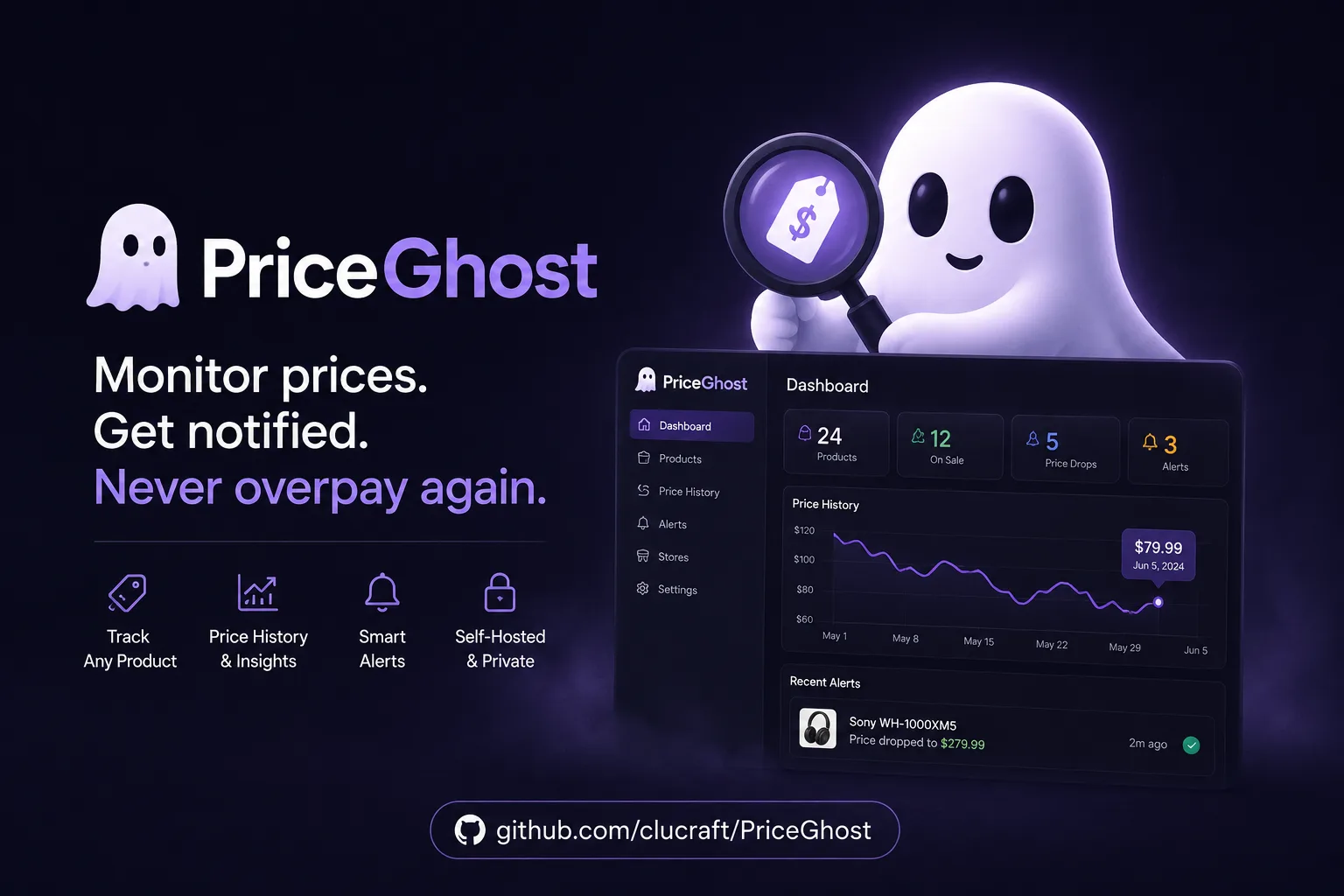
The natural pairing is with whatever already generates events on your network. Home Assistant treats ntfy as a plain REST target, and anything that watches for changes on a schedule, such as PriceGhost, has somewhere to send them without an app of its own.
The finding worth carrying away: the free server’s quota is attached to your IP address, not to you, and the README does not say so. Confirm your own limits with one curl before you build an alerting path on top of them — and plan to run your own instance for anything you would be annoyed to miss.
Primary link
Learn more at: https://github.com/binwiederhier/ntfy