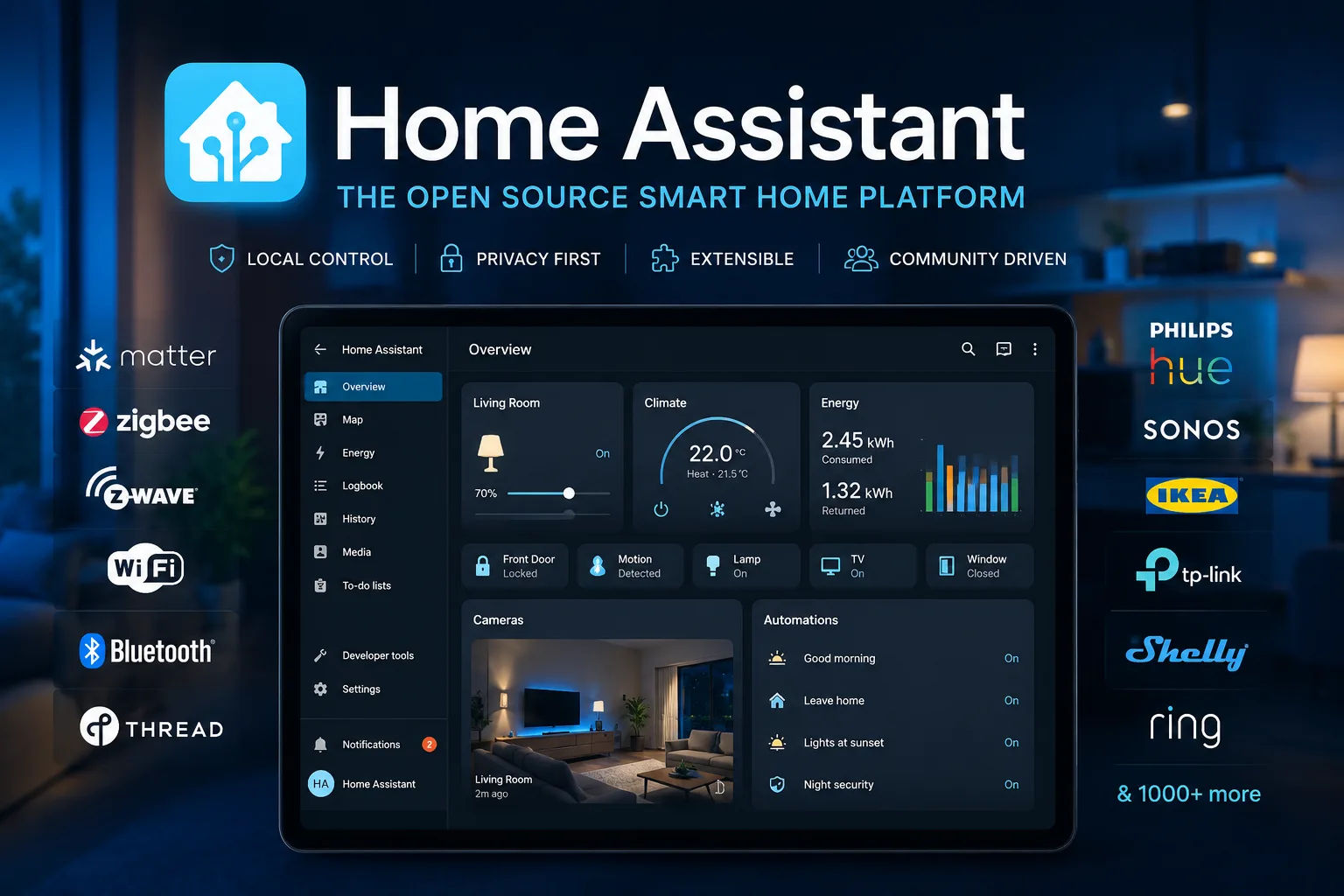
Home Assistant is the default answer to “I want local home automation that does not phone home.” It is Apache-2.0 licensed, and the scale is easiest to grasp through two numbers we pulled while writing: 796 million pulls of the official container image, and 1,633 releases on PyPI.
The second number is the one that should shape how you run it, and it has a consequence most write-ups skip.
A monthly release train, and what it demands
Home Assistant ships a feature release every month — the current version is 2026.10.1, published on 10 October 2026, and the version scheme is literally the date. The container image was updated the day we checked.
This cadence is the project’s greatest strength and the main source of operator pain. New integrations and real improvements arrive constantly. So do breaking changes, which are announced in each release’s notes and which periodically require you to edit YAML or reconfigure an integration.
Two practical rules follow, and they are worth more than any feature list:
Read the release notes before upgrading, every time. Not as diligence theatre — Home Assistant genuinely deprecates and removes things on a schedule, and the notes are where that is announced.
Make the snapshot before the upgrade, not after. Home Assistant has built-in backups; the discipline is using one as the pre-upgrade step rather than as a weekly habit you hope was recent enough.
If that sounds like more ceremony than you want, the alternative is to upgrade less often and accept running a few versions behind — which is fine, until a critical fix lands and you have six months of breaking changes to cross at once. Monthly and careful is less work than annually and brave.
The Python requirement nobody expects
Here is a detail with real deployment consequences, from the package metadata: Home Assistant 2026.10.1 declares requires_python: >=3.14.2.
That is a very recent Python. It is not what ships in a current stable Debian or Ubuntu, and it will not be what your distribution’s python3 is for some time.
This single line explains why the project pushes so hard toward its own operating system image and its container, and it is the right recommendation rather than a convenience: do not install Home Assistant into your system Python. Use Home Assistant OS on dedicated hardware, or the official container. Both carry the interpreter the project actually targets.
Trying to run a bare pip install homeassistant on a general-purpose server is how people end up compiling Python from source to chase a dependency, and then doing it again next month.
Where the complexity actually lives
The platform itself is well engineered. The difficulty in a Home Assistant deployment is almost always at the edges — in the integrations that talk to physical devices — and the edges are where you should concentrate your scepticism.
Device integrations fall into three rough tiers, and knowing which tier you are in predicts your experience:
- First-party and well-supported. Maintained inside Home Assistant, updated with the release train. These just work.
- Vendor cloud APIs. Work until the vendor changes something. Local-first alternatives are worth the effort where they exist.
- Community bridges. A separate project connecting one device family over MQTT. These are the fragile ones, and they fail silently.
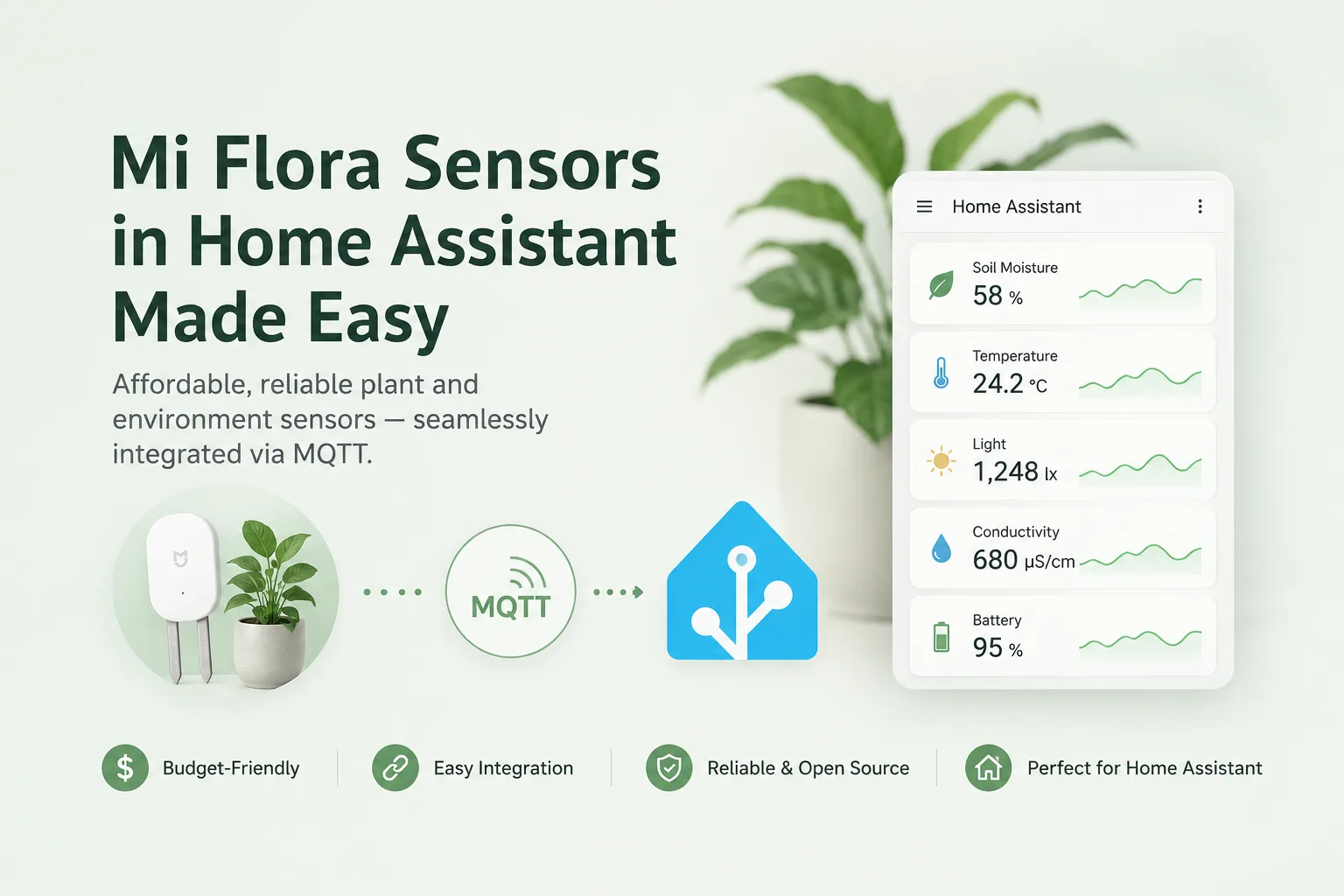
That third tier deserves a hard look before you build an automation on it. Our review of miflora-mqtt-daemon is the cautionary case: a perfectly reasonable bridge whose last compatibility fix was written for Home Assistant 2023.8, still turning up in search results three years later.
The check is thirty seconds of work — last commit on the bridge, last release of its dependencies, against a platform that ships monthly — and it tells you whether you are adding a feature or adopting a maintenance burden.
Build on hardware you control, not on someone’s API
The better pattern, where the devices allow it, is to own the firmware. ESPHome is from the same ecosystem and compiles configuration into firmware for ESP32 and ESP8266 boards, talking to Home Assistant over its native API.
The difference is structural: a cloud integration can be deprecated by a company you have no relationship with, while a sensor you flashed yourself keeps working as long as the radio does. It also sidesteps the bridge problem entirely — there is no third project in the path to go stale.
For anything you genuinely depend on — heating, door sensors, a freezer temperature alarm — prefer the path with the fewest parties in it.
Who should run it, and how to start
Anyone who wants automation without a vendor account, and who accepts that they are now the operator of a system that updates monthly.
Start on dedicated hardware with Home Assistant OS, add two or three devices rather than twenty, and get backups and the upgrade routine working before the system becomes load-bearing. Point its failure notifications somewhere you will actually see them — an HTTP push target such as ntfy is a few lines of configuration and turns a silent outage into a message.
The finding: the version number is a date because the release cadence is monthly, and the project requires Python 3.14.2 or newer — which is why the OS image and container are the supported paths rather than preferences. Budget for reading release notes, and treat community device bridges as the part of your setup most likely to break.
Primary link
Learn more at: https://github.com/home-assistant