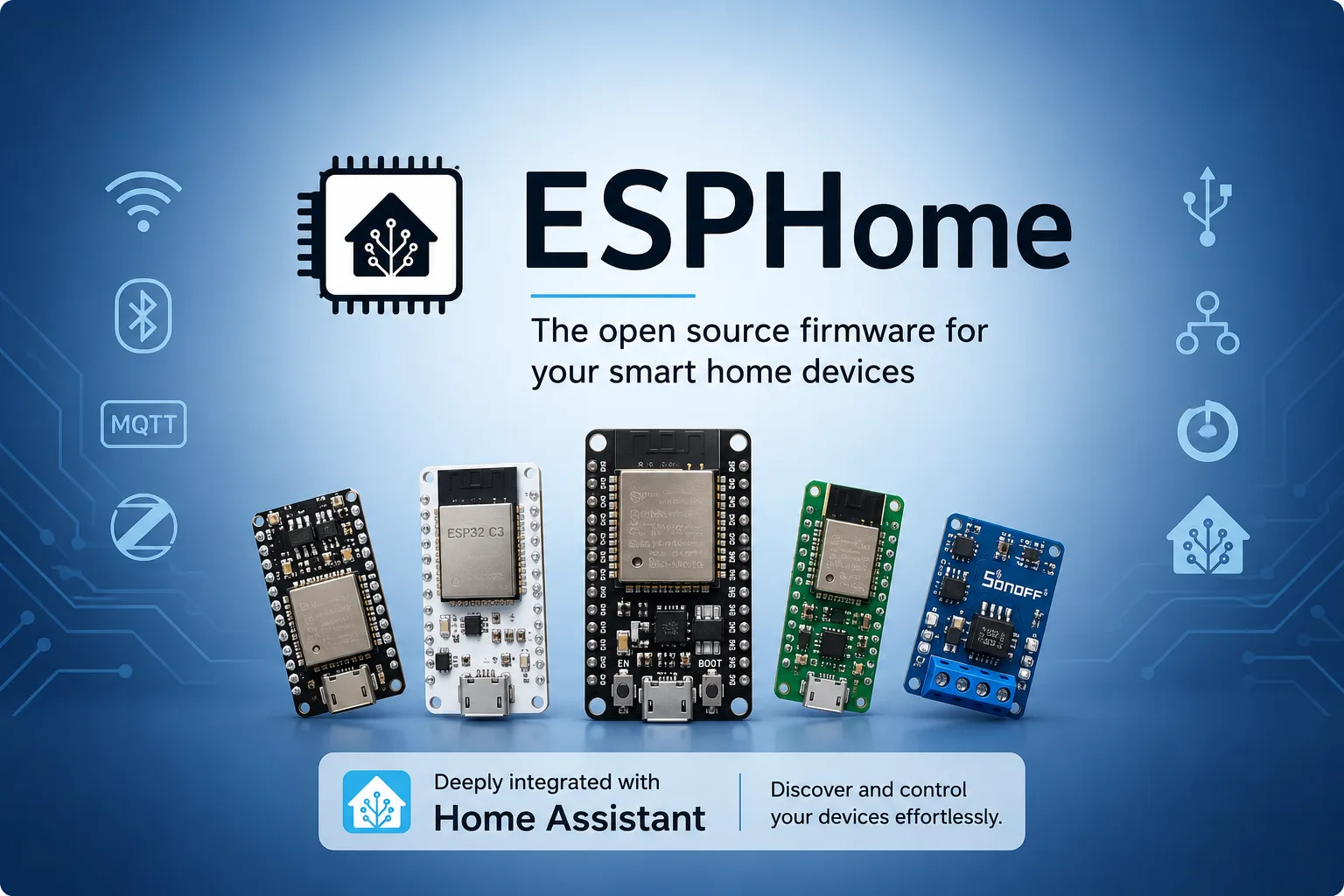
ESPHome inverts how most people expect a smart device to work. You do not program a microcontroller; you write a YAML file describing what is attached to it, and ESPHome compiles that into firmware and flashes it. The device then reports to your home automation system over your own network.
It is MIT licensed, at version 2026.9.1, with 623 releases and 71 million container pulls. The reason to care is a specific property that is easy to state and easy to underestimate.
The property that matters: no third party in the path
A cloud-connected sensor depends on a company’s servers existing and their API not changing. A community MQTT bridge depends on a volunteer keeping up with two moving systems. Firmware you compiled yourself depends on the radio continuing to work.
That is the whole argument, and it holds up in practice. An ESPHome device from three years ago still reports today, because nothing in the path can be deprecated by someone else.
The cost is that you buy a board and flash it. For anything you actually depend on — a freezer temperature alarm, a water leak sensor, a door contact — that cost is trivially worth paying, and it is the reason ESPHome tends to become the backbone of a serious Home Assistant setup rather than a curiosity in it.
Bluetooth proxying is the feature to know about
The component most likely to change how you think about your setup is bluetooth_proxy, and it is worth explaining because the name undersells it.
Bluetooth Low Energy sensors are cheap, battery-powered and plentiful — plant moisture sensors, temperature and humidity tags, presence beacons. Their limitation has always been range: something has to be within a few metres of the sensor to read it, which traditionally meant a computer with a Bluetooth adapter sitting in the right room.
bluetooth_proxy turns any ESP32 into that listener and forwards the traffic over WiFi. So a five-pound board in the corner of each room extends your Bluetooth coverage across the whole house, and the sensors report as though your automation server were standing next to them.
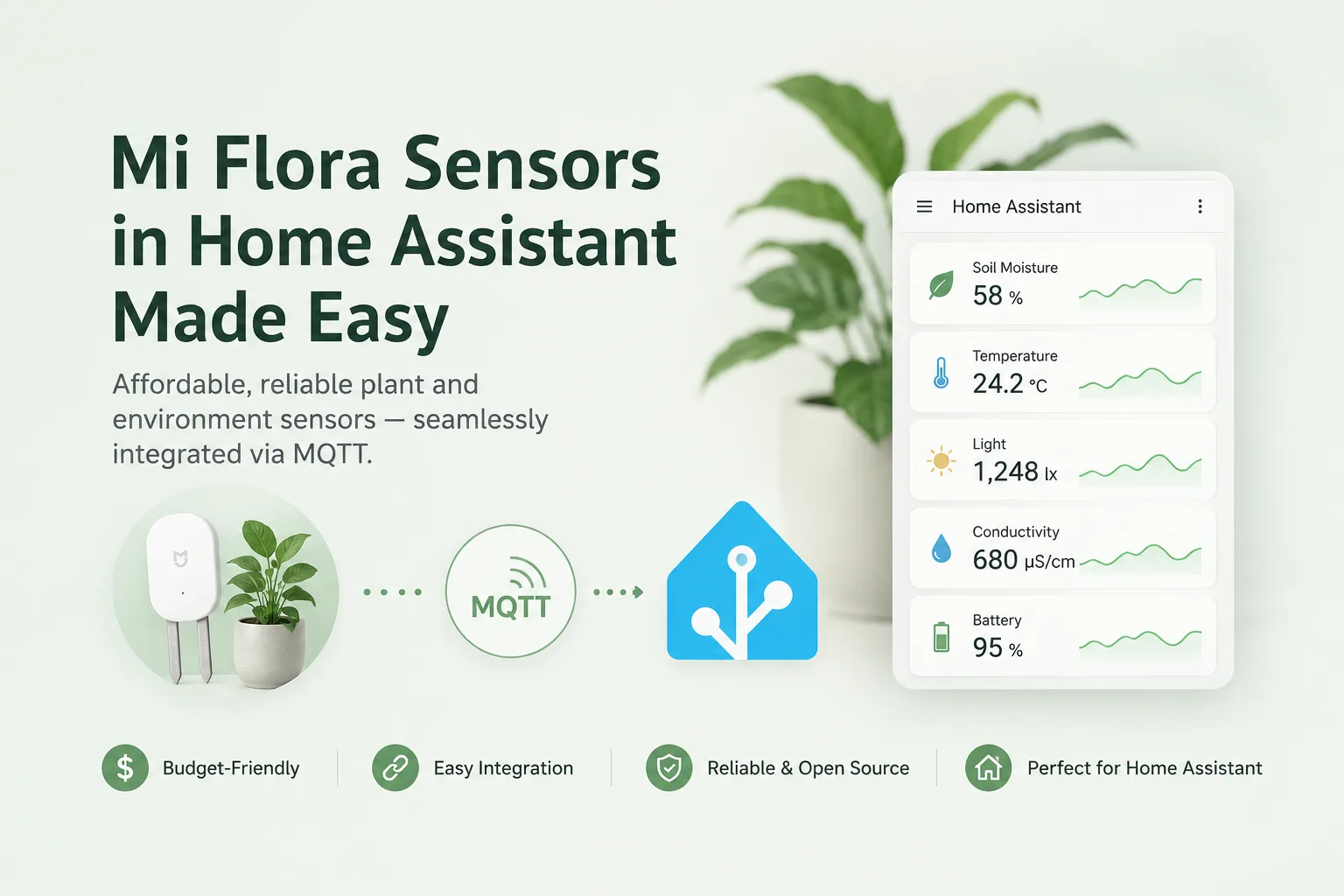
We checked the current source tree, and the Xiaomi-specific components are first-party: xiaomi_hhccjcy01 (the Mi Flora plant sensor), xiaomi_ble, plus the general esp32_ble_tracker and ble_client.
That last point has a consequence worth acting on. If you are running a standalone MQTT bridge to read a BLE sensor — our review of miflora-mqtt-daemon covers one whose last compatibility fix was written for Home Assistant 2023.8 — ESPHome has absorbed that job into a maintained component, and solved the range problem on the way.
What the YAML actually buys you
The configuration-not-code model has two consequences people discover in different orders.
The good one: reproducibility. Your device is a file. Keep it in git, and a dead board is replaced by flashing the same YAML to a new one — no reverse-engineering what past-you configured. Several identical sensors share a base configuration with a per-device substitution for the name and pin assignments.
The constraint: you are limited to components that exist. ESPHome’s component library is large — sensors, displays, relays, motors, climate control, and the BLE stack above — but if your hardware is not covered, YAML will not help you. The escape hatch is a custom C++ component, which is a materially different skill level from editing a config file.
So the evaluation question is not “is ESPHome good” but “is my specific sensor in the component list.” Check that before buying hardware, not after.
Practical notes for a first device
Version pinning matters more than it looks. ESPHome releases roughly monthly and the dashboard, the CLI and the compiled firmware want to be the same version. Mixing a current dashboard with firmware built by an older toolchain is a recognisable class of confusing failure. Upgrade them together.
The Python requirement is specific: >=3.12.0,<3.15. Use the container or the Home Assistant add-on rather than installing into a system Python, and you will never think about it.
First flash is physical, subsequent ones are not. The initial firmware goes on over USB. After that, over-the-air updates work, which is what makes the model practical — a sensor glued behind a cupboard is still updatable.
Expect to buy two boards. The first one teaches you the workflow and you will probably reflash it several times. Having a spare means a mistake costs minutes, not days of waiting for delivery.
Where it stops
ESPHome is for ESP32 and ESP8266-class hardware, plus some related chips. It is not a general embedded framework, it is not for commercial appliances you cannot flash, and it does not make a device with no radio into a smart one.
It also assumes you have a home automation system to report to. On its own, ESPHome is a well-configured sensor shouting into your network; the value appears when something is listening.
The finding: ESPHome’s real advantage is architectural rather than featural — you compile the firmware, so no vendor and no volunteer bridge sits between your sensor and your server. The bluetooth_proxy component plus a few cheap ESP32 boards is the single highest-value thing in the library, because it makes the entire category of cheap BLE sensors work reliably anywhere in a house. Check your hardware is in the component list first, and pin your versions together.
Primary link
Learn more at: https://github.com/esphome/esphome