SubEthaEdit: Collaborative Plain-Text Editing for Mac
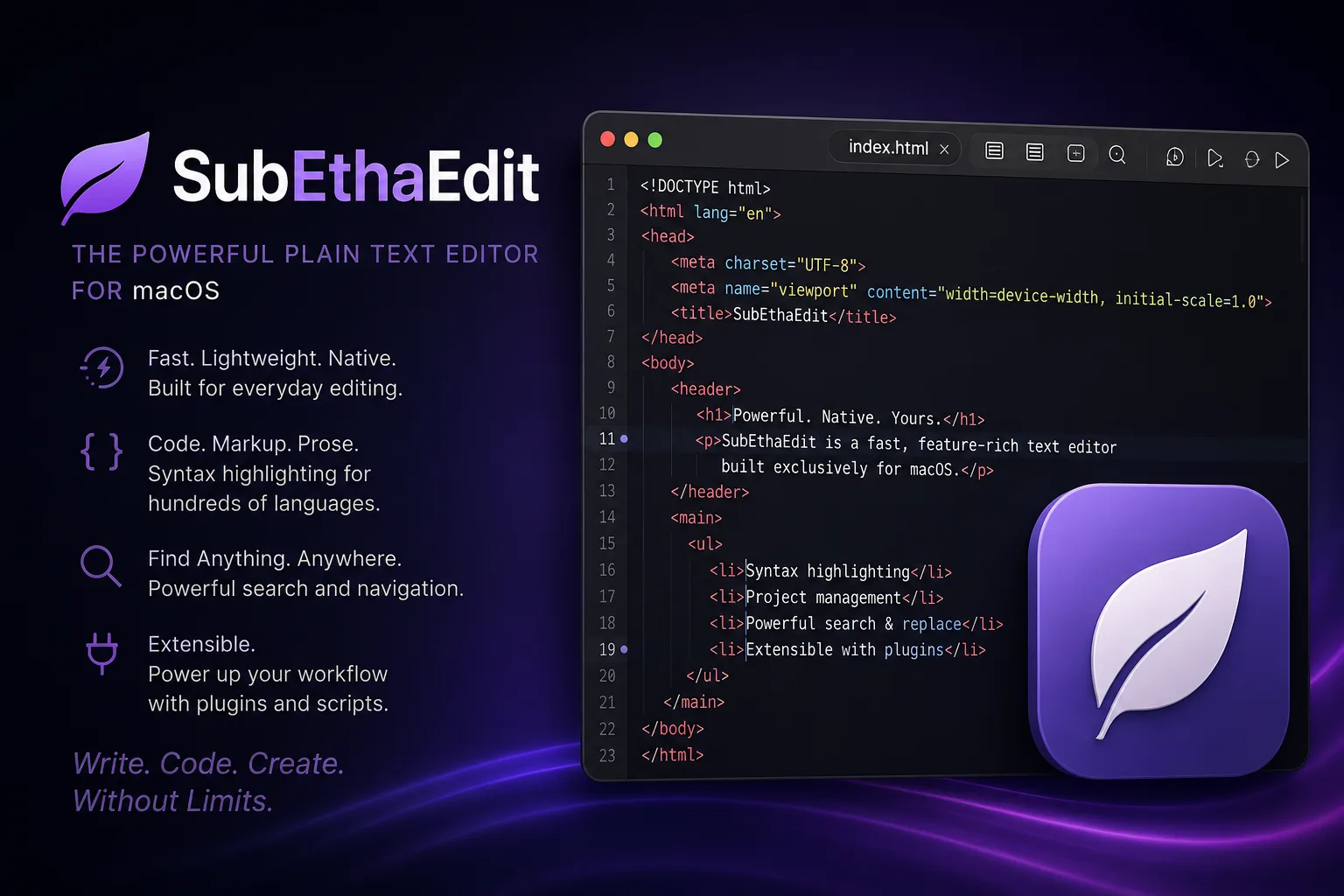
SubEthaEdit is a plain-text editor for macOS with a long-running focus on live collaborative editing. Its own positioning is direct: “Code, Write, Edit. Together.” That makes it interesting not only as a text editor, but as a small, focused example of software built around shared work from the beginning.
The current SubEthaEdit site presents the app as useful for articles, code, notes, meeting minutes, tutoring, pair programming, and creative writing. The core idea is simple: several people can work in the same document live, follow one another, select text to guide attention, and adjust access permissions when needed.
Why it stands out
SubEthaEdit is not trying to be a full IDE. It is closer to a collaborative editing environment for people who want plain text, code-aware features, and a Mac-native workflow.
The editor includes practical tools that matter during day-to-day writing and coding: fine-grained undo, block editing across multiple lines, split and additional document views, search and replace with regular expressions, line numbers, folding, and selection tools. It also includes a live web preview for HTML workflows.
For developers, the command-line tool see is a notable part of the system integration story. The project also documents AppleScript support, which keeps the editor relevant for users who build local Mac automations.
Modes, syntax, and extensibility
SubEthaEdit ships with modes for a range of languages and formats, including C, C++, CSS, Go, HTML, JavaScript, JSON, LaTeX, Lua, Markdown with preview, Objective-C, Perl, PHP, Python, Ruby, TOML, XML, and others.
The mode infrastructure is not only about coloring text. The official site describes state-based highlighting, customizable syntax styles, open-document autocomplete, and mode-provided scripts for editor enhancements such as linters or language-specific helpers.
That makes SubEthaEdit feel like a lightweight editor with a deeper language system underneath, especially for users who prefer a focused Mac app over a larger development environment.
Collaboration as the main feature
The collaboration model remains the clearest reason to look at SubEthaEdit. According to the official site, local-network collaboration is supported, and internet collaboration can work when port forwarding is enabled and a link is shared.
That positioning is different from many modern cloud-first collaborative tools. SubEthaEdit keeps the experience centered on a native macOS app and a shared document, rather than a browser workspace.
Open source status
The project is free and open source. The official site links to the public GitHub repository and states that SubEthaEdit is distributed under the MIT license. The GitHub repository describes the project as a general-purpose plain-text editor for macOS, widely known for live collaboration.
For users evaluating long-term maintainability, the open repository is useful. It gives developers a place to inspect the source, review the license, read the changelog, and understand how the app is built.
Who should try it
SubEthaEdit is worth a look for Mac users who want a collaborative plain-text editor without turning the task into a larger workspace decision. It is especially relevant for pair writing, pair programming, tutoring, workshop notes, and small technical editing sessions where seeing the same document together matters.
It may be less compelling if the requirement is a cross-platform editor, a cloud-hosted document system, or a full IDE with project-wide language intelligence. Its strength is the opposite: a focused macOS editor built around plain text and live collaboration.
For other takes on plain-text work covered on Synopolis, see Obsidian, a local-first second brain built on Markdown files.