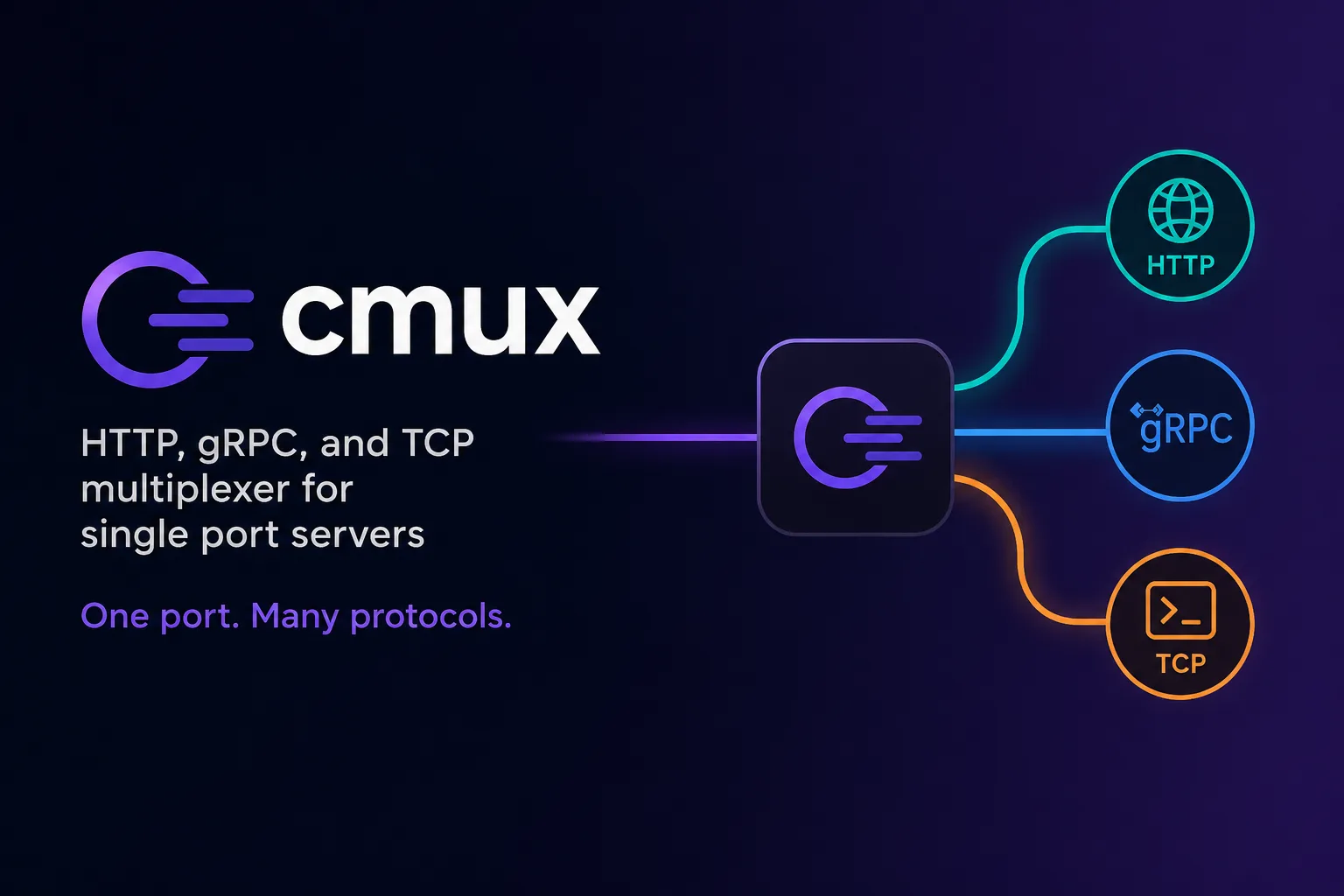
cmux is “A Ghostty-based macOS terminal with vertical tabs and notifications for AI coding agents.” The headline feature is small and well judged: panes get a blue ring and tabs light up when an agent needs your attention, which solves the actual annoyance of running several agents at once — not knowing which one is waiting for you.
It is also the most licensing-complicated project in this category, and that is the part worth the article.
It is not simply “open source”
cmux ships a 707-line LICENSE file at the repository root, and the arrangement it describes has two layers.
The default, quoted:
“Except where a file or accompanying notice states otherwise, material contributed under the cmux project license is licensed under the GNU General Public License v3.0 or later (GPL-3.0-or-later).”
Then the exception:
“The cmux server software is not licensed under the GPL. The following directories each contain their own LICENSE file with the Business Source License 1.1 (BUSL-1.1), which requires a commercial license from Manaflow for production use, including self-hosting”
We checked each of the six named paths — web/, workers/ci-artifacts/, workers/iroh-v2/, workers/presence/, services/iroh-relay-minter/ and cmux-tui/relays/cloudflare-do/ — and each does contain its own BUSL-1.1 licence file. The terms inside them are specific:
Additional Use Grant: None
Change Date:          Four years from the date the Licensed Work is published.
Change License:       GPL-3.0-or-later
“Additional Use Grant: None” is the strict end of the BUSL spectrum — there is no carve-out for small-scale or internal use. Each file becomes GPL four years after it is published, on a rolling per-file basis.
What this means in practice: the macOS app, iOS app, CLI and cmux-tui are GPL-3.0-or-later, so you can use, fork and redistribute them under the GPL’s terms. The server side is not, and self-hosting it in production requires a commercial licence from Manaflow. If your interest in cmux was “we will run our own backend,” that is a procurement conversation, not a git clone.
Note also the honest caveat in the same file: Manaflow “may separately offer commercial terms only for material for which it controls the necessary rights,” and such terms “do not relicense third-party material or outside contributions.” Dual licensing is only as clean as the copyright position behind it.
There is a CLA, and that explains the structure
The repository contains CLA.md — an “Individual Contributor License Agreement (‘Agreement’) v2.2” — stating that “the Company must have on file a signed Contributor License Agreement from each Contributor.” Signing is done by posting an exact phrase as a pull request comment.
A CLA is the mechanism that makes the split above possible: it gives the company the rights it needs to license parts of the codebase commercially. There is nothing underhand about it, and it is common for company-backed projects. But it is a fact a contributor should know before writing code, and it is the structural reason cmux is “open source” in a narrower sense than the phrase usually implies.
What the repository actually is
The file census is striking. Our clone has 20,863 tracked files, of which 13,159 are Swift — roughly 63%. Then 1,697 TypeScript, 947 Python, 458 Java and 438 .mjs.
So this is predominantly a native macOS application, not an Electron shell with a web page inside it. That is unusual in a category dominated by cross-platform wrappers, and it is the honest explanation for both the good and the bad: the app feels like a Mac terminal because it is one, built on Ghostty, and there is no Linux or Windows build because 13,000 Swift files do not port.
The project is actively developed — the HEAD commit in our clone was from the day we checked — and the README is translated into 21 languages, which says something about where the attention is coming from.
What to evaluate it on
The notification rings are the feature to try, and they are the kind of thing you either immediately want or do not. Running three agents in vertical tabs and being told which one stopped is a genuine quality-of-life gain over watching terminals.
The things to check before adopting:
- Platform. macOS only, by construction. This is not a roadmap gap.
- Licence, for your use. Using the app: GPL, fine. Building a product on the server components: commercial licence required.
- Contributing. You will be asked to sign the CLA v2.2.
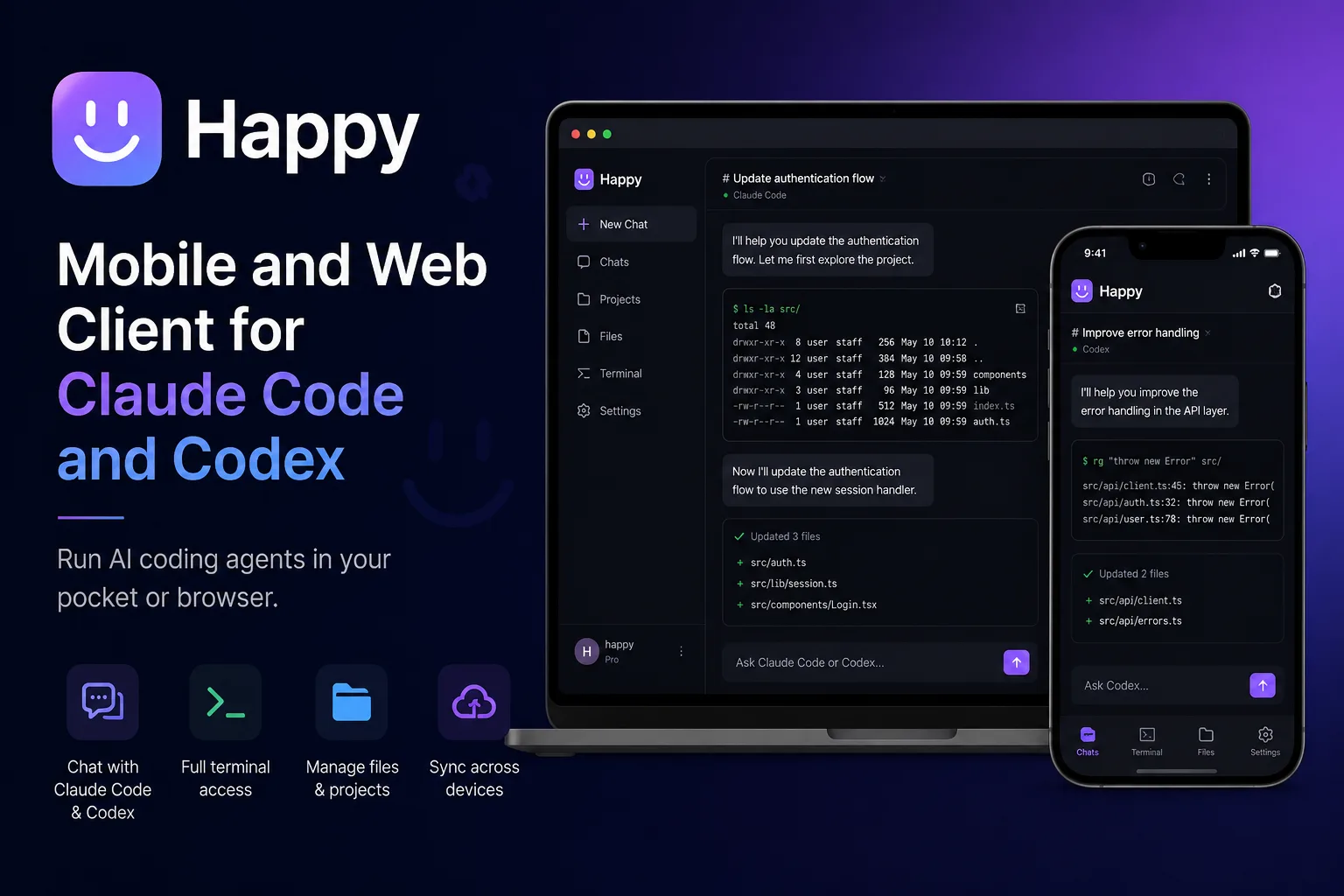
For the remote-access use case cmux does not cover, the alternatives are different in kind: Happy is a mobile and desktop client with its own sync, and ductor bridges the official CLIs into a chat app. cmux is for the machine in front of you.
The finding: cmux is a GPL-licensed native Mac app with a BUSL-licensed server, “Additional Use Grant: None”, a four-year rolling conversion to GPL, and a contributor licence agreement. All of it is documented in the repository, none of it is in the pitch, and which half you care about depends entirely on whether you want to use cmux or build on it.
Primary link
Learn more at: https://github.com/manaflow-ai/cmux