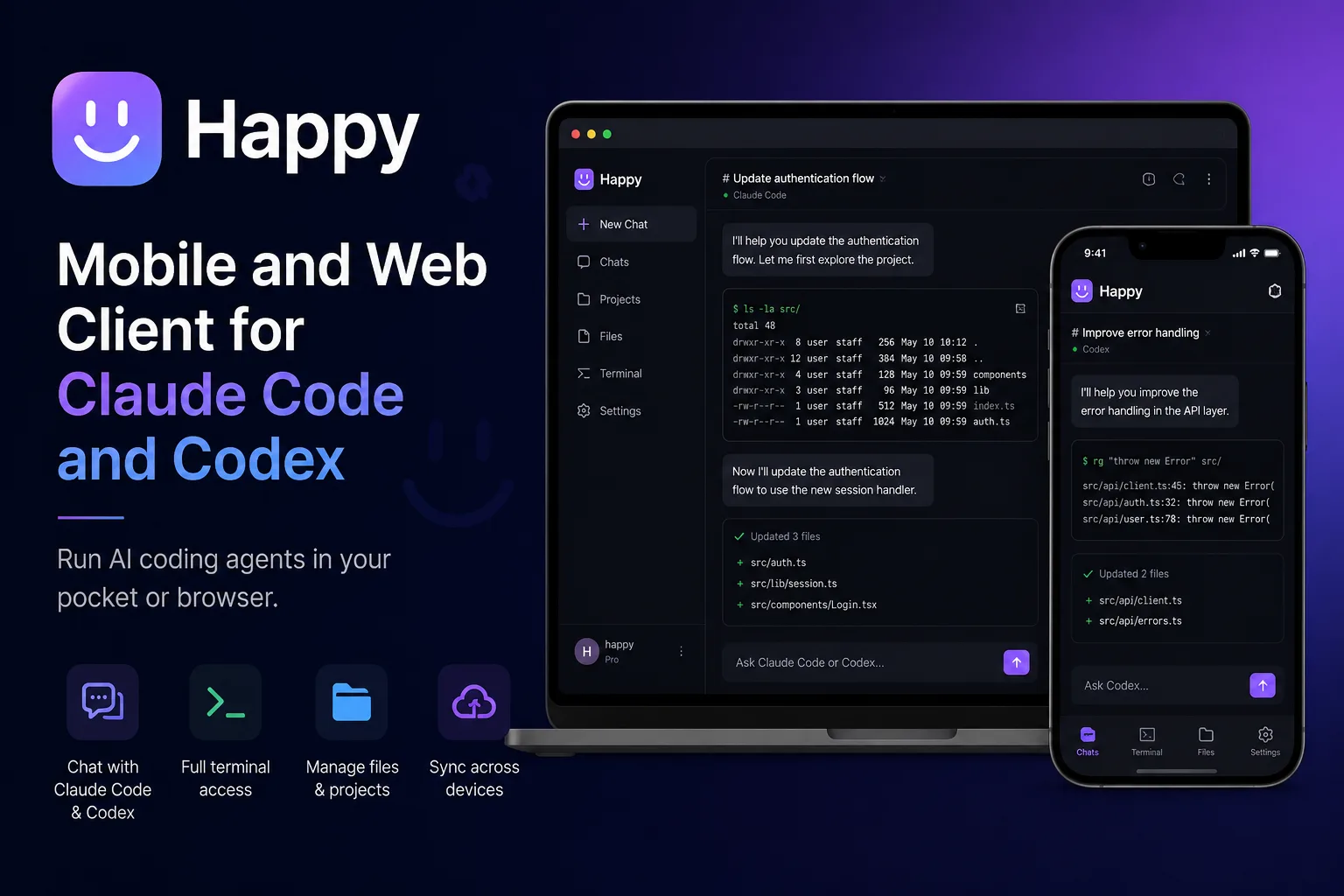
Happy began as a mobile and web client for Claude Code and Codex. It is no longer only that, and the gap between the two descriptions is the most useful thing to know about it right now.
The repository’s current headline is “Any Model. Your Subscription. Happy Harness.” — “Orchestrate Claude, Codex and Grok in one app.” Meanwhile the happy package on npm, at version 1.2.5, still carries the description “Mobile and Web client for Claude Code and Codex.”
Both are accurate about something. The project has grown a second identity, and which one you get depends on which door you walk through.
The repository split, which is the part that confuses people
Happy is now four repositories, and the README is explicit about the division:
| Repository | What it is |
|---|---|
slopus/happy |
The mobile app (iOS, Android, web), the original CLI, and the relay server |
slopus/happy-desktop |
The desktop app for macOS, Windows and Linux |
slopus/happy-agent |
The open-source agent runtime the desktop app runs on |
slopus/slopus.github.io |
The website and docs |
So if you arrive at slopus/happy expecting the multi-model desktop product the headline describes, you are in the repository that holds the phone app, the original CLI and the sync server — not the desktop app or the agent runtime.
The README also tells you which way it is pointing. The original CLI “wraps the Claude Code and Codex harnesses directly in your terminal and lets you continue from your phone,” followed by: “For multi-model sessions and teams, move to the desktop app and Happy Harness.”
That is a soft deprecation. The CLI still works and installs in one line:
npm install -g happy
happy claude   # or: happy codex
But new capability is landing in the desktop app, in a different repository. Plan accordingly rather than discovering it after you have built a workflow on the CLI.
What it claims, and which claims are structural
Four of the project’s five stated benefits are checkable facts about how it is built, which is a better ratio than most:
MIT licensed. Confirmed in both the repository’s LICENSE file and the npm package metadata. “It runs on your own hardware and your projects stay ordinary folders” — that last clause matters more than it sounds. A tool that keeps your code in a normal directory rather than a proprietary workspace is one you can abandon without a migration.
Subscription reuse. “Sign in with the Claude, Codex, and Grok subscriptions you already pay for. Happy adds a harness, not another bill.” This is the same approach ductor takes, and it is the right one: wrapping official tooling rather than proxying an API means you are not paying twice and not depending on a reseller.
End-to-end encryption between your devices. “What moves between your devices is encrypted.” The repository contains the relay server that carries it, so this is inspectable rather than asserted — and it is the claim to actually verify yourself if your prompts contain anything confidential, because a relay you cannot read the code of is a relay you are trusting blindly. Here you can read it.
Multiplayer sessions. “Invite a colleague or a friend into the session. You both watch the same agent work, and either of you can steer it.” This is the genuinely novel one. Pair programming with an agent, where two humans share one agent session, is a different activity from two people each running their own — and almost nothing else offers it.
What the codebase tells you
Our clone has 2,339 tracked files: 1,002 TypeScript, 256 TSX, 655 PNG, 39 SQL. There are separate Dockerfile, Dockerfile.server and Dockerfile.webapp files, and a pnpm workspace with four packages — happy-app (the Expo mobile and web client), happy-cli, happy-agent and happy-server (the encrypted sync relay).
Two things follow. The three Dockerfiles mean self-hosting the relay is an intended path, not an afterthought — worth knowing, because the alternative is routing your sessions through someone else’s server. And the Expo foundation explains how one codebase produces iOS, Android and web clients at once.
There is also a PRIVACY.md in the repository root, which for an app that relays development sessions between devices is the right file to have and the right one to read.
How to approach it
If you want your phone to pick up a terminal session you started at your desk, install the CLI from this repository and stop there — it is one command and it does that job.
If you want the multi-model orchestration the headline advertises, go to happy-desktop instead, and expect the newer product to be the less settled one.
Either way, decide early whether you self-host the relay. For remote access to an agent the comparison is ductor, which routes through a chat app you already run; for keeping sessions on one machine, cmux solves a different half of the problem.
The finding: Happy has repositioned from “mobile client” to “multi-provider harness” and split across four repositories, with the npm package description still describing the old shape. Read the repository table before you clone, because the name you searched for and the product you read about now live in different places.
Primary link
Learn more at: https://github.com/slopus/happy