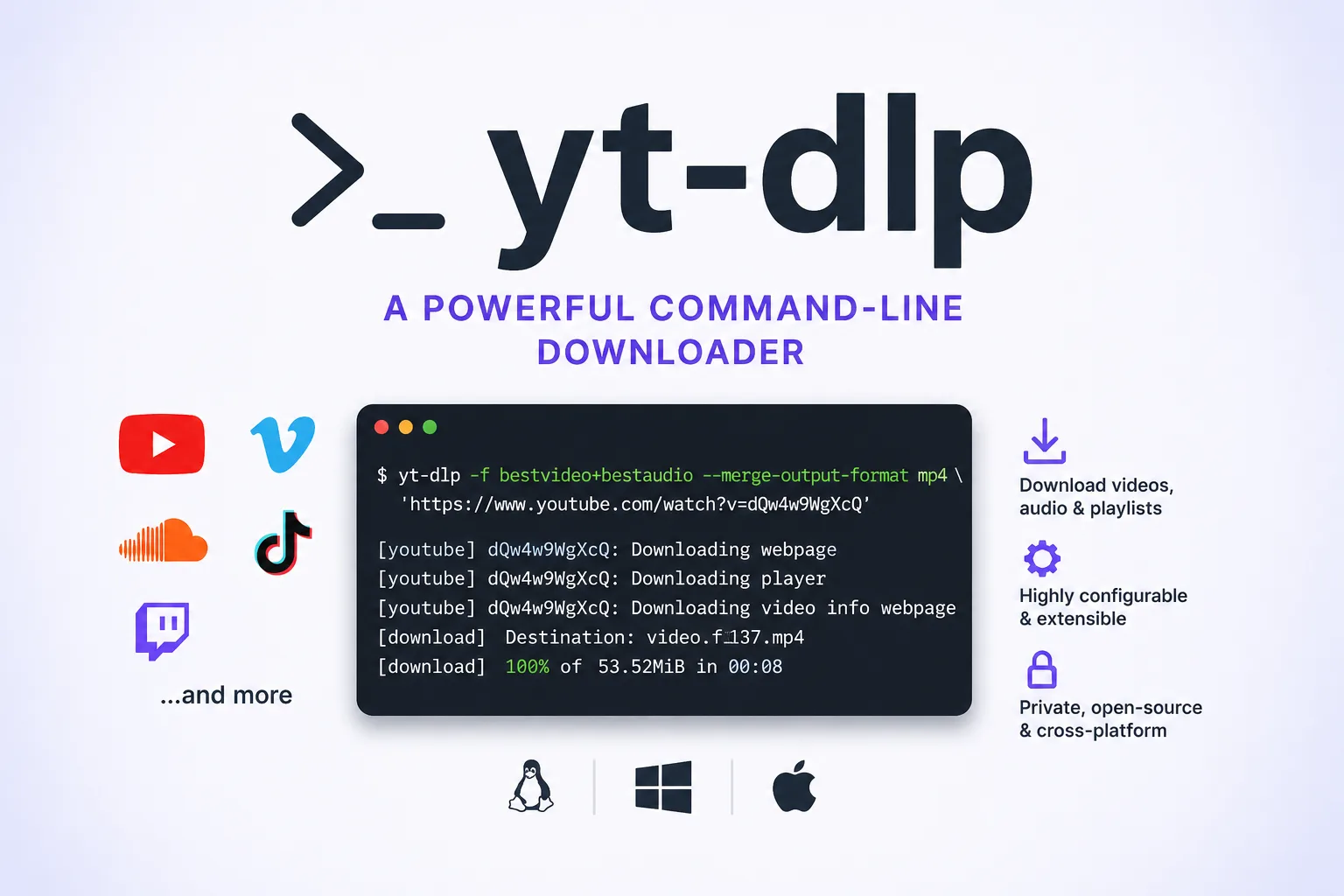
yt-dlp is a feature-rich command-line audio and video downloader. Its GitHub repository describes it as a fork of youtube-dl, based on the now inactive youtube-dlc, with support for thousands of sites.
In practical terms, yt-dlp is a tool for people who are comfortable working from a terminal and want repeatable control over downloads, formats, filenames, metadata, and post-processing. It is especially useful when a browser-based download workflow is too manual, too limited, or too hard to automate.
Why this tool matters
Media downloads often look simple until the details matter. You may need a specific format, a predictable filename, a playlist archive, subtitles, metadata, or audio extraction. yt-dlp turns that kind of work into a scriptable command-line task.
That makes it relevant not only for individual downloads, but also for documentation work, personal media archives, research workflows, podcast preparation, and internal automation where the operator needs transparency and control.
What yt-dlp can do from the terminal
The basic shape of a command is straightforward:
yt-dlp "https://example.com/watch?v=VIDEO_ID"For a quick look at available formats before downloading, use:
yt-dlp -F "https://example.com/watch?v=VIDEO_ID"To choose a specific format after inspecting the list, pass a format selector:
yt-dlp -f "bv+ba/b" "https://example.com/watch?v=VIDEO_ID"The project documentation says yt-dlp normally tries to download the best available quality when no format is specified. It also documents -f or --format for explicit format selection.
Installation and updating notes
The repository lists release binaries, pip installation, and third-party package managers as installation routes. For many users, the most practical options are either the platform-specific release binary or Python’s package tooling.
A typical pip-based installation looks like this:
python -m pip install -U "yt-dlp[default]"When using release binaries, the project documents the built-in updater:
yt-dlp -UThe README also describes release channels including stable, nightly, and master. For users who run into site breakage, the project specifically points to nightly as a relevant channel to consider before filing an issue.
Practical command-line examples
Download into a predictable folder and filename pattern:
yt-dlp -o "%(title)s.%(ext)s" "https://example.com/watch?v=VIDEO_ID"Extract audio for a local listening workflow:
yt-dlp -x --audio-format mp3 "https://example.com/watch?v=VIDEO_ID"Save metadata next to the downloaded media:
yt-dlp --write-info-json "https://example.com/watch?v=VIDEO_ID"Download subtitles where available:
yt-dlp --write-subs --sub-langs "en.*" "https://example.com/watch?v=VIDEO_ID"Use a simple archive file so repeated runs do not download the same item again:
yt-dlp --download-archive archive.txt "https://example.com/playlist"These examples are intentionally conservative: they show the kind of command-line workflow yt-dlp is designed for without assuming a specific site, private account, or media source.
Who it fits best
yt-dlp is a strong fit for developers, technical editors, researchers, archivists, and power users who prefer terminal workflows. It is also useful for people who want downloads to be reproducible: the same command can be saved in shell history, a script, or a scheduled job.
It is less ideal for users who want a purely visual interface. The project is primarily a command-line tool, so the learning curve is mostly about understanding options, format selection, output templates, and post-processing behavior.
Caveats and responsible use
The tool’s capabilities do not remove the need to respect copyright, site terms, account rules, and local law. Users should only download material they are allowed to access and store.
There are also technical caveats. Site extractors can break when websites change. The project recommends ffmpeg and ffprobe for merging separate audio and video streams and for post-processing tasks. For some sites and workflows, optional dependencies or a more recent release channel may make a practical difference.
Editorial verdict
yt-dlp is one of those developer tools that looks narrow at first, but becomes broader once you need repeatable media handling. Its value is not just that it downloads media; it gives operators a compact, scriptable vocabulary for formats, metadata, filenames, subtitles, archives, and post-processing.
The trade-off is that power comes through flags, not buttons. For users comfortable with the command line, that is the point. For everyone else, yt-dlp is best approached gradually: start with a single URL, learn how format listing works, then move on to output templates, metadata, and automation.
For other data retrieval tooling covered on Synopolis, see Scrapling, an adaptive web scraping framework for content that does not arrive as neat media files.
Primary link
Learn more at: https://github.com/yt-dlp/yt-dlp