openGym is a self-hosted alternative to Strong, Hevy and FitNotes, and it imports from all three. To use it on a phone you have to put it on a real domain: the README says “To reach it from your phone with passkeys you need HTTPS on a domain”. That requirement matters more than it looks, because of how the instance is configured when you first start it.
In the project’s .env.example, INVITE_ONLY is off, which means open signup, and ALLOW_GUEST is 1, which shows a “Continue without account” button. FIRST_USER_ADMIN is off as well. So if you follow the quick start and then publish the app on a domain so passkeys work, anyone who finds the URL can create a profile. Each profile can upload up to 200 MB of media by default (MEDIA_QUOTA_MB). For a personal or family instance, change these three settings before you open the port, not afterwards.
The README does offer the controls: an “Optional admin dashboard with invite-only signup and an activity log.” They are just not the defaults.
One folder holds the whole training history
There is no database. The README puts it in one line: “Everything is stored as JSON under ./data.” Users, passkeys, the session secret, logs and uploaded exercise media all go there. The compose file marks that volume as the thing to back up.
That makes a backup a copy of one directory, and a restore is a copy back. The trade-off is just as plain: a JSON file store suits a household or a small group, not a large multi-tenant service. The README does not say where the practical limit is.
The rest of the stack is small. There are two containers: a React 19 + Vite frontend served by nginx, and an API built on Node’s own node:http module with @simplewebauthn/server and web-push. Prebuilt images cover amd64 and arm64. The README states no RAM or CPU figures; its only stated requirement is “You need Docker with Compose.” The optional AI coach is a separate build target (API_TARGET=coach), and .env.example notes that it adds about 300 MB of AI runtimes to the image.
Planning, logging and the muscle map
The feature set is closer to the commercial apps than most self-hosted trackers:
- Routines are built per weekday from a library of more than 5,600 exercises, with starter plans such as Push/Pull/Legs, Upper/Lower, Full Body and 5×5. An optional rotation mode cycles through workouts instead of fixed days.
- Sessions pre-fill weights, run a rest timer, detect personal records, do plate math and log per-side reps. The repository description adds supersets, warm-ups and cardio.
- Progression rules (linear, double, triple and others) suggest the next load. Stats include an estimated 1RM, a yearly activity heatmap, body-weight charts and progress photos.
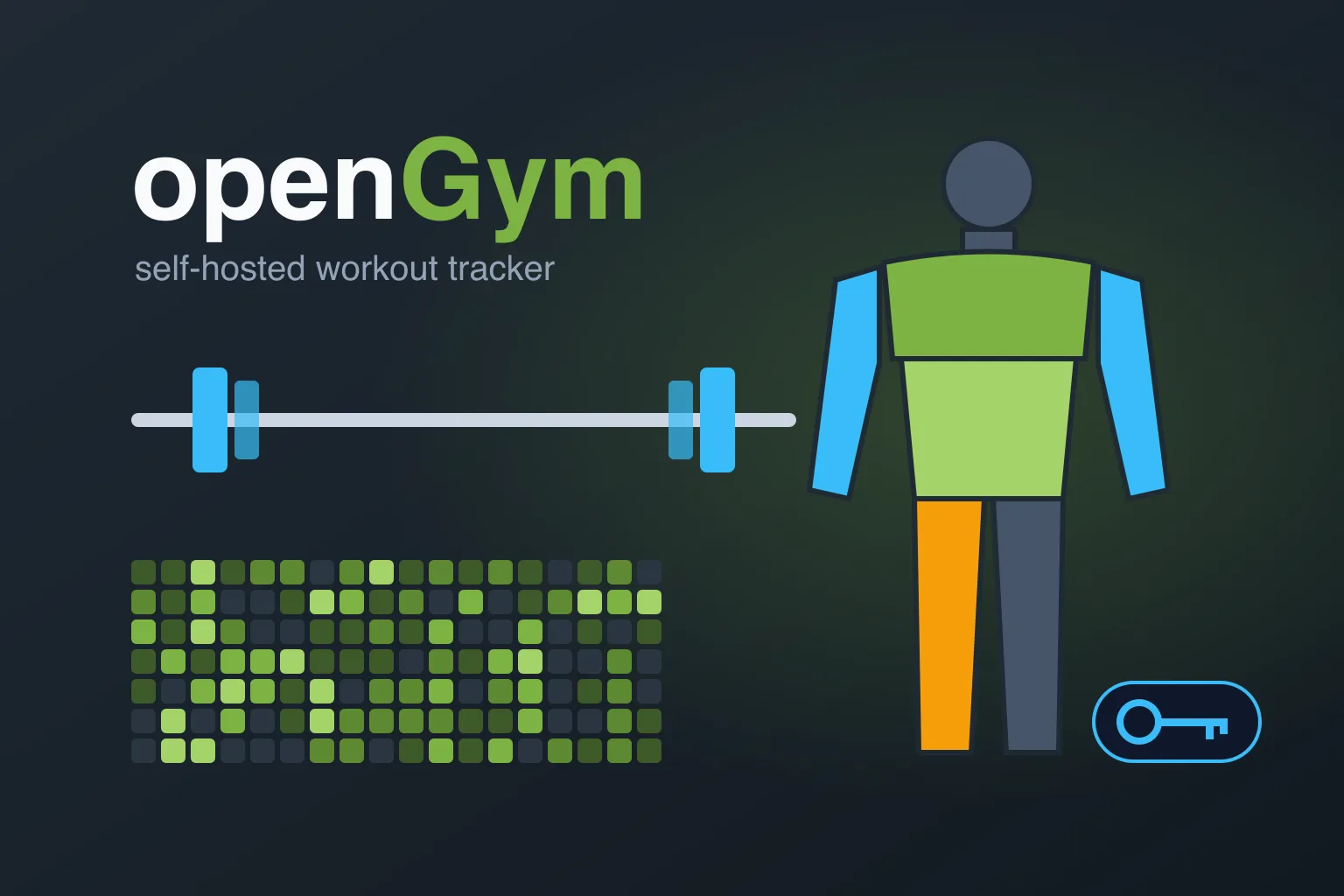
- The muscle map shows which muscle groups are trained, fatigued or detrained. It is the view that sets openGym apart from a plain set logger.
- Sync across devices uses field-level merging. Imports cover FitNotes, Strong, Hevy and Apple Health; export is JSON. The interface ships in 19 languages.
Passkeys are the default sign-in. Passwords are not ruled out: the README says “Password sign-in can be switched on per instance; new devices pair with a one-time code or QR.” The AI coach, which uses your own provider key, and a read-only MCP server for assistants are both off by default.
Phone access works through a signed Android APK attached to each GitHub release, or through the PWA in Safari on iPhone.
The licence file and the README disagree in scope
The repository’s LICENSE file is the unmodified GNU AGPL-3.0 text. It adds no Section 7 terms and does not mention media. The restriction appears only in the README: “The exercise media is not covered by that license.” The README credits that media to Aliaksandr Makatserchyk / Gym visual, licensed for use in openGym only. The exercise text in catalogue/ is described as openGym’s own.
For self-hosters this changes nothing. For anyone planning a fork or a derived app, it means the visuals do not come with the code, and the only place that says so is the README. There is also an open issue (#554) about a Contributor License Agreement for earlier contributors. Anyone contributing code should read it.
A project moving at daily speed
The repository was created on July 18, 2026. As of October 12 it had about 10,300 stars, 1,266 forks and 126 open issues and pull requests. Releases came fast: v1.3.8 on September 20, v1.3.9 on September 28, v1.3.10 on October 7, v1.4.0 on October 9 and v1.4.1 on October 10. The README states openly that “openGym is developed with Claude Code, Anthropic’s coding agent.”
The issue tracker shows what that pace looks like. Nineteen of the open issues and pull requests were filed on October 12 alone. The open bugs on that day included body weight and progress photos that cannot be logged for past dates (#556, #557) and progress photos that cannot be deleted (#558). An open pull request, “fix: block SSRF in AI provider URL fetching” (#547), concerns the optional coach. None of this is unusual for a three-month-old project, but it argues for pinning an image tag and reading release notes before every docker compose pull.
Getting a first instance up
The quick start from the README:
git clone https://github.com/DuarteSantos8/openGym
cd openGym
cp .env.example .env
docker compose pull
docker compose up -d
The app then answers on http://localhost:8080. Before exposing it, set RP_ID and ORIGIN to your domain, since passkeys are bound to RP_ID. Decide on INVITE_ONLY, ALLOW_GUEST and FIRST_USER_ADMIN. If a reverse proxy sits in front, keep TRUST_PROXY on so sign-in throttling sees real client IPs.
Worth it if you log every set
openGym suits lifters who log every set, want to leave a commercial tracker without losing their history, and already run services behind HTTPS. A household can share one instance. It is a poor fit if you want an app you never have to update: at the current release rate you will be pulling new images every few days, and the issue tracker shows that date handling and photo management are still being fixed.
If you run other self-hosted tools that replace a subscription app, the Self-Hosting archive collects more of them.
The source, screenshots and full configuration reference are at github.com/DuarteSantos8/openGym, and the project site is opengym.ch.