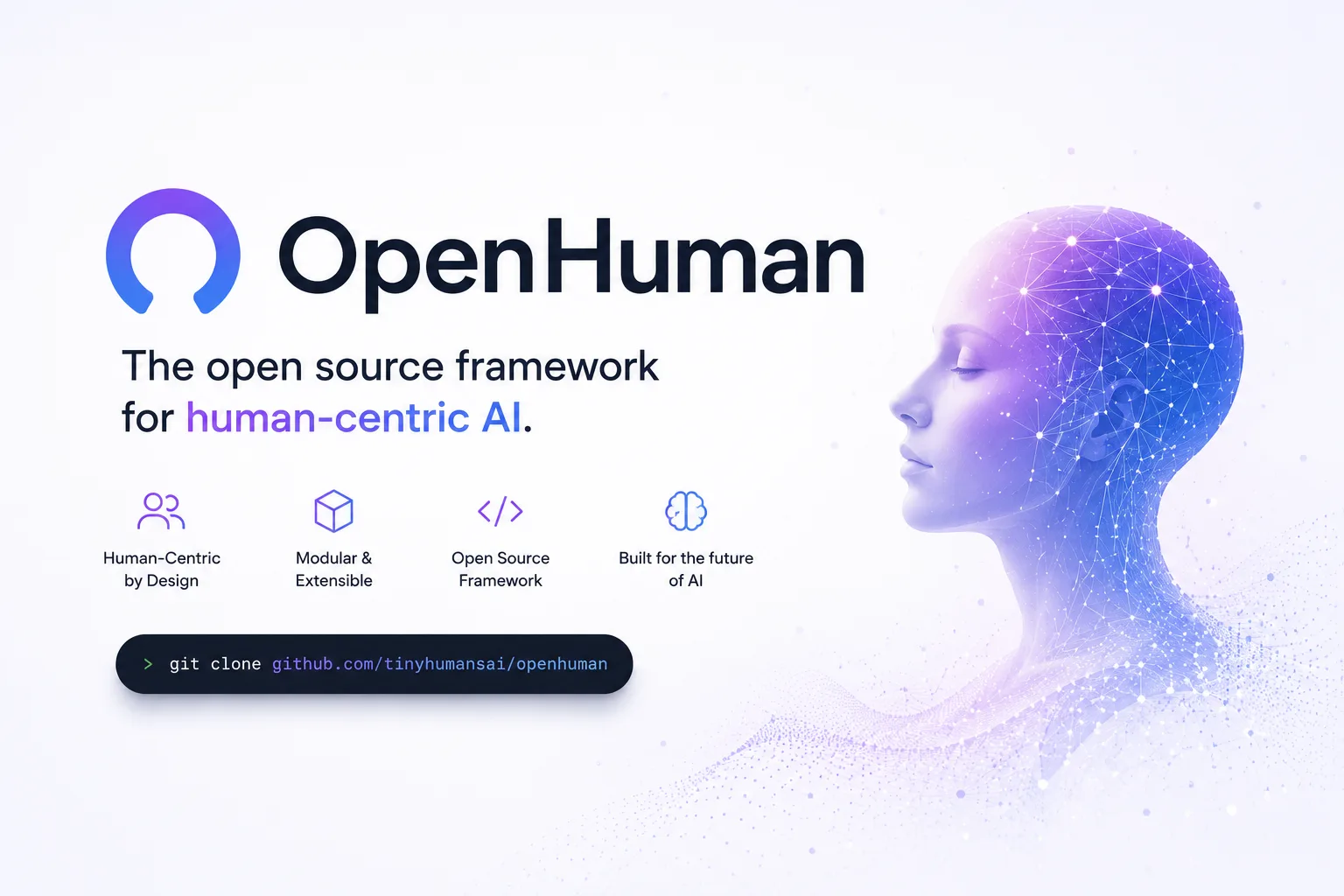
OpenHuman is an open source personal AI assistant from tinyhumansai. The GitHub repository describes it as a private, simple, and powerful “personal AI super intelligence,” while the README frames it more concretely as an agentic assistant designed to integrate with daily life.
The project is explicitly marked as early beta and under active development, with the maintainers warning users to expect rough edges. That context matters: OpenHuman is ambitious, but it should be evaluated as a fast-moving project rather than a finished personal productivity appliance.
Why this project is interesting
Most AI assistants start from a chat box. OpenHuman starts from a different premise: an assistant becomes more useful when it has context from the tools, documents, messages, repositories, calendar entries, and workflows that already shape a person’s day. The project tries to turn that context into a persistent memory system rather than leaving every conversation as a one-off session.
That is the core strategic idea behind OpenHuman. It is not only an interface to a model. It is a personal agent harness with desktop UI, integrations, local memory, agent tools, model routing, voice features, and optional local AI support.
What the repository says it includes
The README describes several major pieces of the system:
- A clean desktop experience with short onboarding paths.
- Third-party integrations through OAuth, including tools such as Gmail, Notion, GitHub, Slack, Stripe, Calendar, Drive, Linear, and Jira.
- Auto-fetch behavior that pulls fresh data from active connections into a memory system.
- A Memory Tree and Obsidian-compatible wiki built from connected data and activity.
- Built-in tools for web search, web fetching, coding tasks, filesystem access, git, linting, tests, grep, and voice.
- Model routing that sends different tasks to different model categories.
- Optional local AI via Ollama for on-device workloads.
- Messaging channels and privacy/security material in the documentation.
The repository also includes a desktop application codebase, documentation, examples, tests, scripts, Docker-related files, Rust and TypeScript packages, contribution materials, and a security policy.
Memory as the central design choice
OpenHuman’s most distinctive idea is its memory layer. The README says connected data is canonicalized into Markdown chunks, scored, and folded into hierarchical summary trees stored in SQLite on the user’s machine. It also says the same chunks are written into an Obsidian-compatible vault that can be opened, browsed, and edited.
That design is important because it gives the user a way to inspect and work with the assistant’s knowledge base outside the chat interface. It also makes OpenHuman closer to a personal knowledge system than a normal AI chatbot. The tradeoff is complexity: memory quality, sync behavior, privacy boundaries, and source accuracy all become central to whether the assistant is actually useful.
Integrations and agent tools
The README emphasizes a broad integration surface. It references more than 118 third-party integrations and describes connected accounts as typed tools available to the agent. The idea is that the assistant can pull context from everyday systems instead of waiting for the user to manually copy information into prompts.
OpenHuman also includes a more technical toolset for coding and research workflows. Filesystem access, git, lint, test, grep, web search, and web fetching make the project relevant to developers as well as general productivity users. In practice, this puts OpenHuman somewhere between a personal assistant, a knowledge base, an automation hub, and a coding agent.
Who it fits
OpenHuman is most relevant for users who want a deeply contextual personal AI assistant and are comfortable with an early beta project. Developers, founders, technical operators, researchers, and power users are the most obvious audience, especially if they already use tools like GitHub, Slack, Notion, Gmail, Calendar, Drive, Linear, Jira, or Obsidian.
It may also fit users who care about local-first workflows and want more control over the assistant’s memory. The project’s optional Ollama path makes it worth watching for people who want some workloads to run locally, although any production decision should check the current documentation and supported setup carefully.
Practical adoption notes
The safest way to evaluate OpenHuman is to start with a limited scope. Install it, connect a small number of accounts, and observe how the memory system behaves before granting access to sensitive workflows. Because the project is designed to ingest personal and work context, the first question should be trust and boundaries, not only convenience.
For developers contributing from source, the README points to a stack involving Git, Node.js, pnpm, Rust, CMake, platform desktop build prerequisites, and submodules. That suggests a serious desktop application codebase rather than a small script-style project. Contributors should expect a multi-language project and should follow the repository’s contribution and validation guidance.
Caveats and limits
OpenHuman is clearly labeled early beta. That means rough edges, changing behavior, and incomplete polish should be expected. The README contains ambitious statements about integrations, memory, compression, voice, and model routing, but real-world usefulness will depend on setup quality, data hygiene, model behavior, security decisions, and how well the assistant handles edge cases.
The project also involves sensitive personal and work data by design. Before using it broadly, review the documentation on privacy and security, inspect what is stored locally, understand which data may be sent to model providers, and decide which accounts should or should not be connected. A personal AI assistant is only useful if the user remains in control of what it can access and remember.
Editorial verdict
OpenHuman is one of the more ambitious open source personal AI assistant projects: it combines a desktop-first experience with integrations, persistent memory, Obsidian-compatible knowledge storage, coding tools, voice features, model routing, and optional local AI. The vision is compelling because it addresses a real weakness of many assistants: they lack durable personal context.
The same ambition also makes careful evaluation necessary. OpenHuman is best treated as an early, powerful, technical product for users who want to experiment with personal agents and are willing to manage privacy, setup, and beta-stage instability. If it matures, its local-first memory model could become its strongest differentiator.
For related projects covered on Synopolis, see NousResearch Hermes Agent, another agent designed to grow with its user, and agentmemory for the persistent memory layer personal agents depend on.
Primary link
Learn more at: https://github.com/tinyhumansai/openhuman