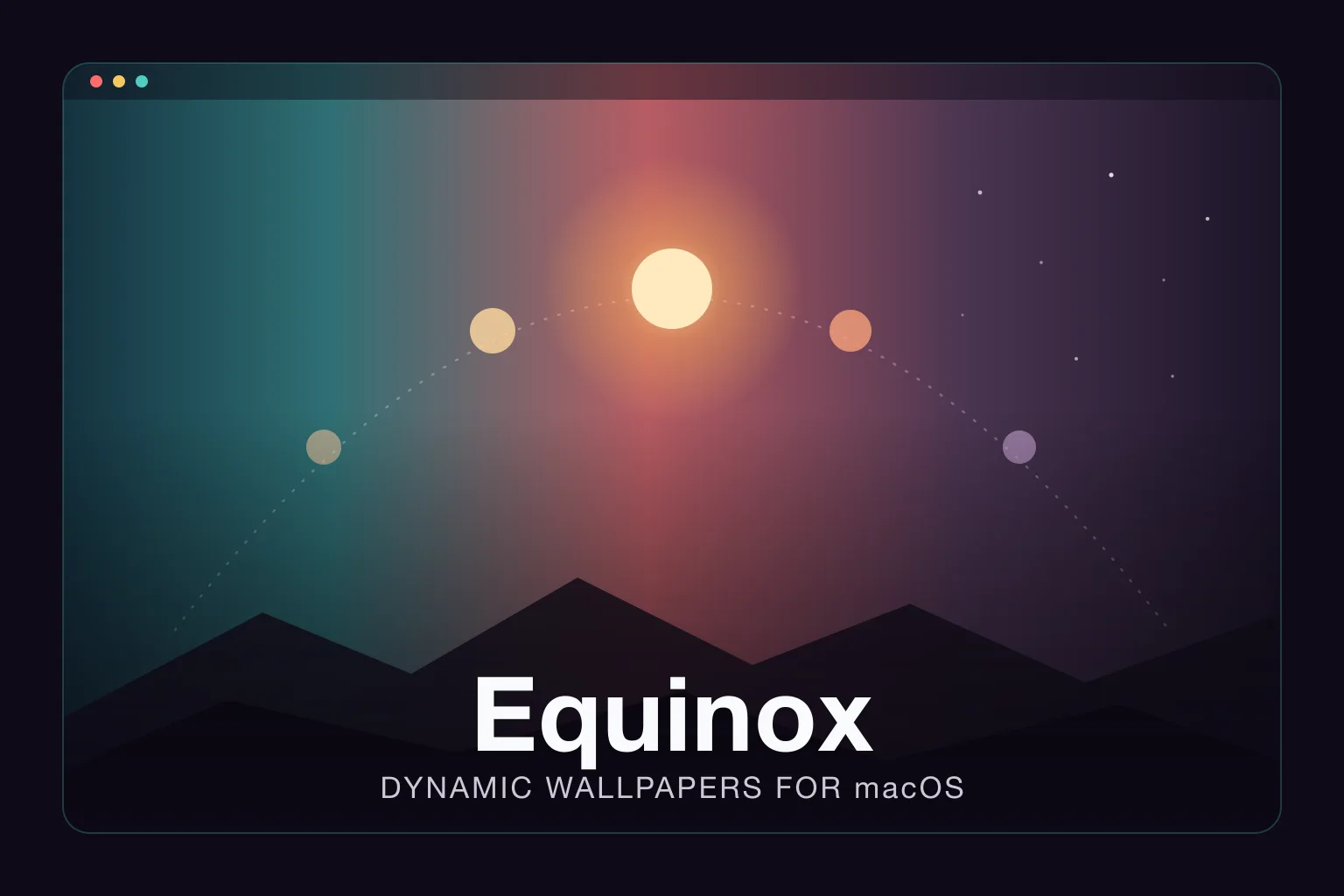
Apple shipped dynamic desktops with macOS Mojave back in 2018 — the wallpaper that drifts from sunrise to night as the day goes on — and then never gave anyone a built-in way to make their own. The format was effectively undocumented and there was no first-party editor. Equinox is the answer the community built instead: a free, open-source Mac app that turns your own images into a native dynamic wallpaper. And it isn’t a long-abandoned experiment — version 6.0 shipped in March 2026.
It’s a native Swift app (the repository is 99.9% Swift), runs on macOS 10.14 and later, and it’s MIT-licensed with roughly 2,000 stars and seven releases behind it. You install it whichever way suits you: from the Mac App Store, as a direct download from GitHub Releases, or by building from source.
Three kinds of “dynamic”
Equinox builds three distinct wallpaper types, and the distinction matters because each is driven by a different signal:
- Solar — frames are tied to the sun’s actual position, so the image on your desktop tracks where the sun really is for your location and the time of year, not just a wall-clock time.
- Time — frames change on a schedule you define across the day. Simpler than solar: you decide which image shows when.
- Appearance — the minimal case. Two images, one for Light Mode and one for Dark Mode, switched by the system appearance setting.
For a lot of people the Appearance type is the quiet winner — you only need two pictures and it just follows your light/dark toggle.
The hard part: solar, and the calculator that makes it usable
Solar wallpapers are where this kind of tool usually falls apart, because a real dynamic desktop doesn’t just need your images — it needs to know the sun’s angle and elevation for every frame. Get those wrong and the wallpaper drifts out of sync with the actual sky outside your window.
Equinox handles this with a built-in Solar calculator. Instead of asking you to compute angles, you choose the place, date, and time on a sun timeline for when each photo was taken, then drag (or copy) the result onto the matching image. The README is refreshingly practical about the messy real case, too: if you don’t know exactly when a shot was taken, you use the timeline to estimate the sun’s height and eyeball it against the photo. That’s the feature that turns “I have twelve photos of the same view at different times” into a working solar wallpaper, and it’s the piece most DIY approaches skip.
Who it’s for — and who can skip it
This is for macOS users who want their own photos as a living desktop — a landscape they shot, a skyline, a rendered scene — rather than being stuck with the handful of dynamic wallpapers Apple bundles. If you already curate your wallpapers, it’s an easy download.
If all you ever want is light/dark switching, note that recent macOS can already pair two stills for that on its own; Equinox earns its keep mainly once you want the time-based or solar behavior. And it is macOS-only by nature — there’s nothing here for Windows or Linux, because the output is Apple’s own dynamic-desktop format.
Maturity
For a free utility this is unusually settled. It has been through six major versions, the latest landing in March 2026, and it’s localized into ten languages — English, German, French, Spanish (Latin America), Turkish, Korean, Japanese, and three Chinese variants. The MIT license means no commercial-use asterisk, and the developer takes PayPal donations rather than gating features behind a paywall. It’s the rare “scratch-your-own-itch” app that has been maintained long enough to simply be the default tool for the job.
More creative and visual tooling lives in the media & design section.
See for yourself
If you’ve ever wanted your desktop to follow the sun, the project is the place to start — read the feature list, grab a release, and feed it a few of your own photos at github.com/rlxone/Equinox.